

Understand how users move — and where they get lost
Behavior Patterns reveal how users navigate, hesitate, and loop through journeys, helping teams identify where decisions break down. This makes it easier to see where users explore without taking the next clear step.
What it is
Movement without progress is a signal
Behavior Patterns show how users move through screens, revealing when they explore, hesitate, or repeat steps without completing key tasks. A user may move between home, account details, and profile several times without taking action.
Pattern types
Identify patterns at a glance
Navigation Loops
Users moving back and forth between the same steps
Hesitation
Pauses before making a decision or action
Revisits
Repeated visits to the same screen without completion
Fragmented Journeys
Disjointed movement across unrelated screens
How it works
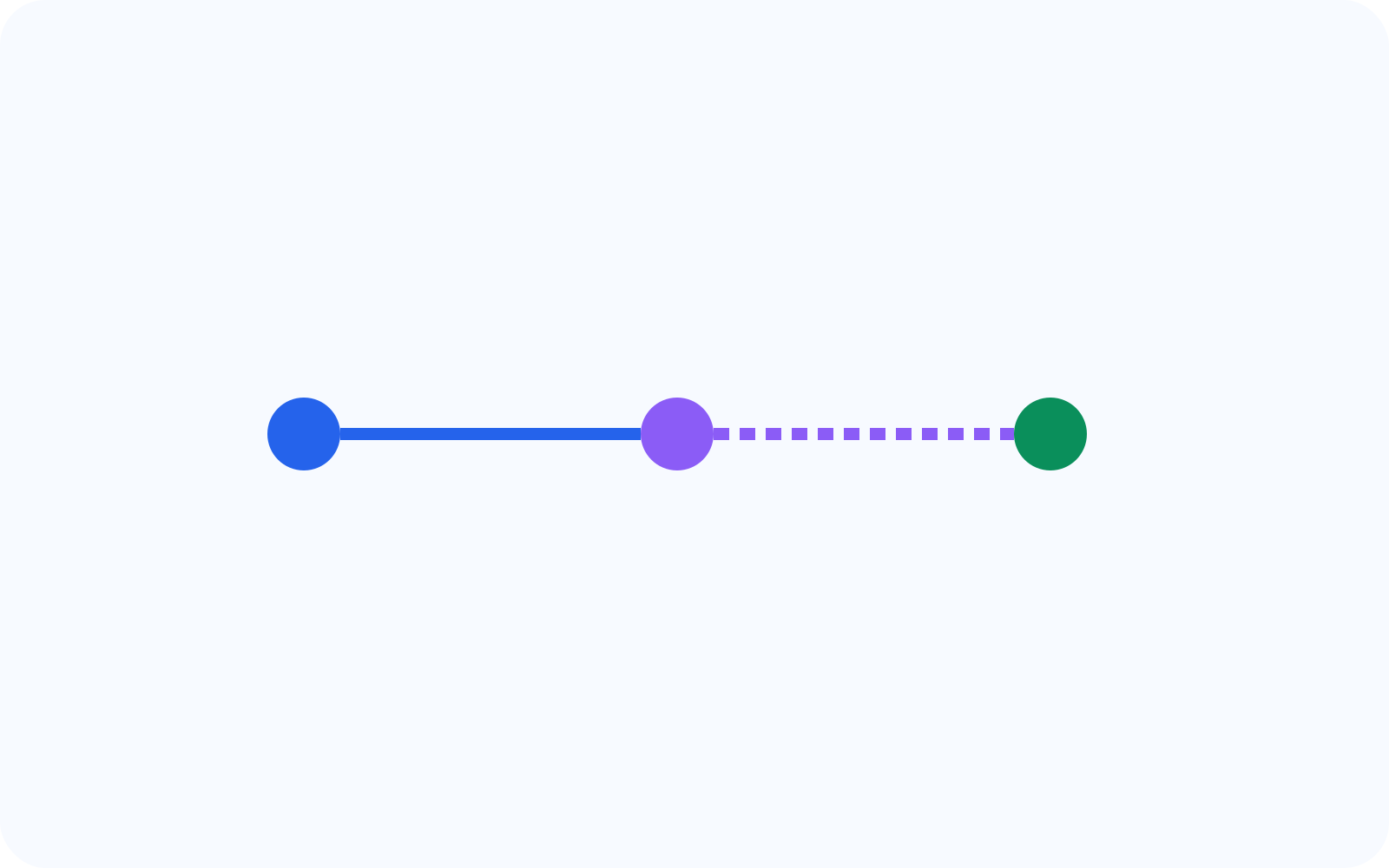
From navigation to insight
User navigates
Path recorded
Pattern detected
Insight generated
Behavior Patterns are detected by analyzing how users move across screens and identifying repeated or incomplete journeys. This helps teams see where navigation continues without clear progress.
Real examples
See behavior patterns in journeys
Switching between account details and home without action
Opening multiple plans but not converting
Navigating back during checkout flow
Revisiting billing details repeatedly
Why it matters
Confusion leads to drop-off
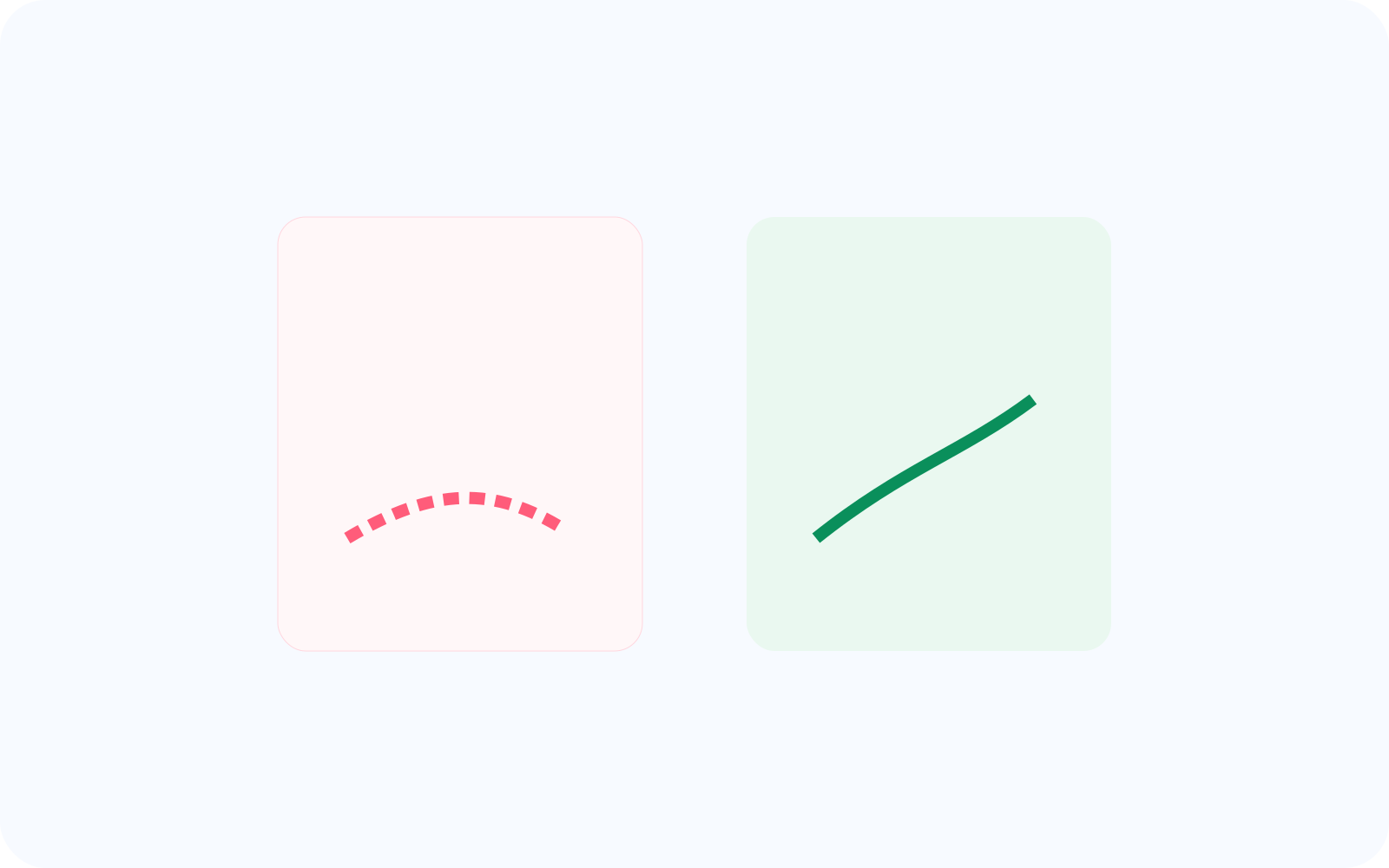
When users don’t find clear next steps, they explore without deciding, often leading to incomplete journeys. This helps teams improve clarity before uncertainty turns into abandonment.
Improve clarity in critical flows
Reduce indecision
Guide users toward completion
Related features
Connected capabilities
Journey Analysis
Understand full paths across screens so teams can see where navigation starts to drift or repeat. This helps explain how users move before they complete the journey or leave.
Funnels
Measure where decisions break down inside critical key flows. This helps teams connect unclear navigation with lower completion across checkout, activation, or conversion-to-action.
Intent Tracking
Compare expected versus actual navigation so teams can see when users wander away from the intended path. This helps explain where direction breaks down before action is taken.
FAQ