

Use Case
Ensure users see the right information at the right moment
Users often receive the correct information, but not in the right context. EaseUse reveals where information placement breaks understanding and disrupts task progression.
The Problem
Correct information, wrong context
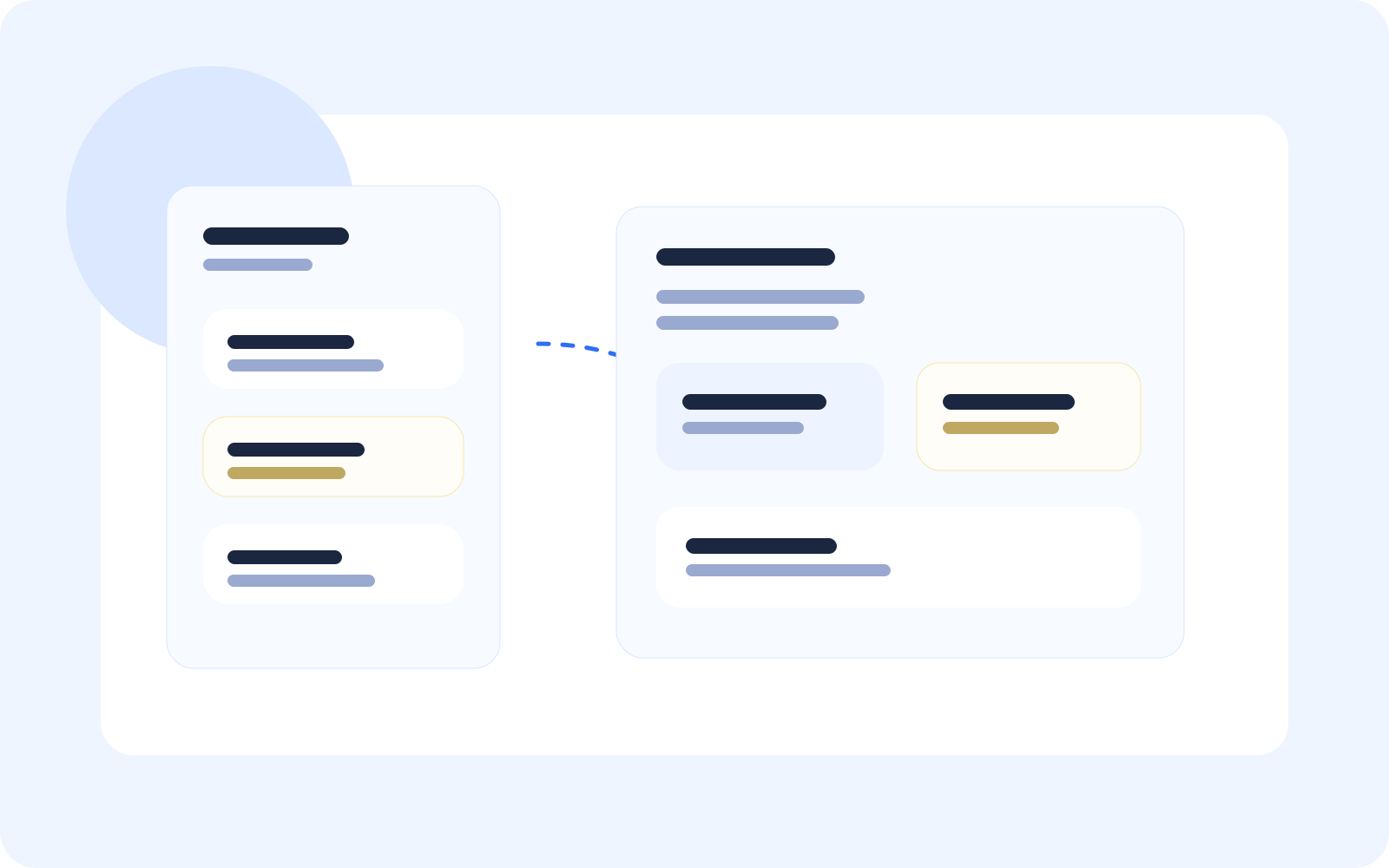
Users may see accurate information, but if it appears in the wrong place, they may miss its meaning or fail to act.
Wrong context
Critical result shown in a general screen
Important product information appears beside unrelated content, so the user may not understand what action is needed.
Right context
Result connected inside Product File
The same information is shown with related records, next steps, and next actions.
EaseUse detects this by combining screen visits, repeated navigation, missed actions, and intent gaps.
Journey
See context break across the journey
What the user experiences
Open dashboard
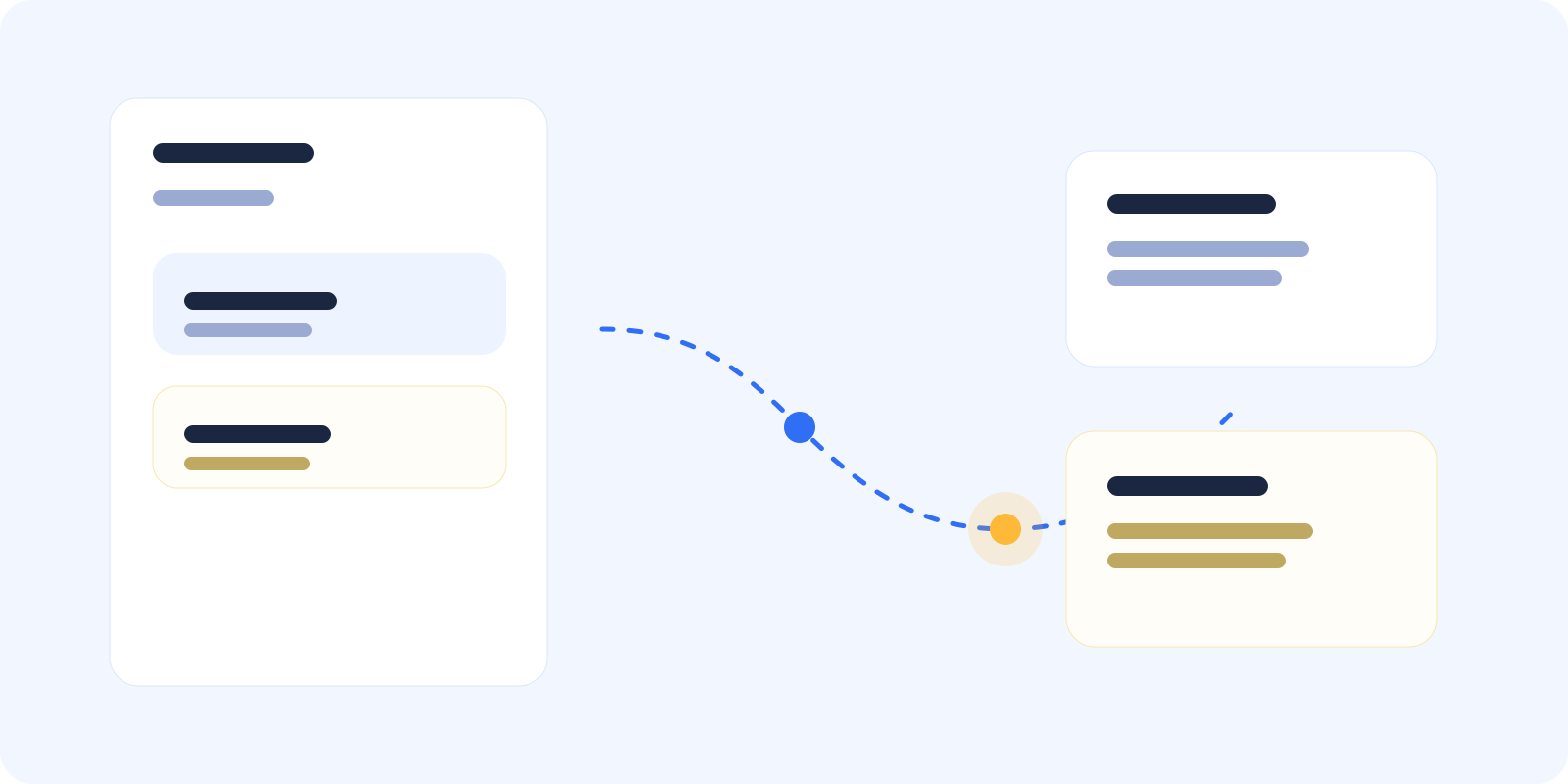
The user lands on a general product surface where multiple summaries compete for attention before any clear next step is established.
Where It Fails
Where context breaks down
Misplaced information
Critical details appear in non-relevant screens.
Fragmented context
Information is spread across multiple locations.
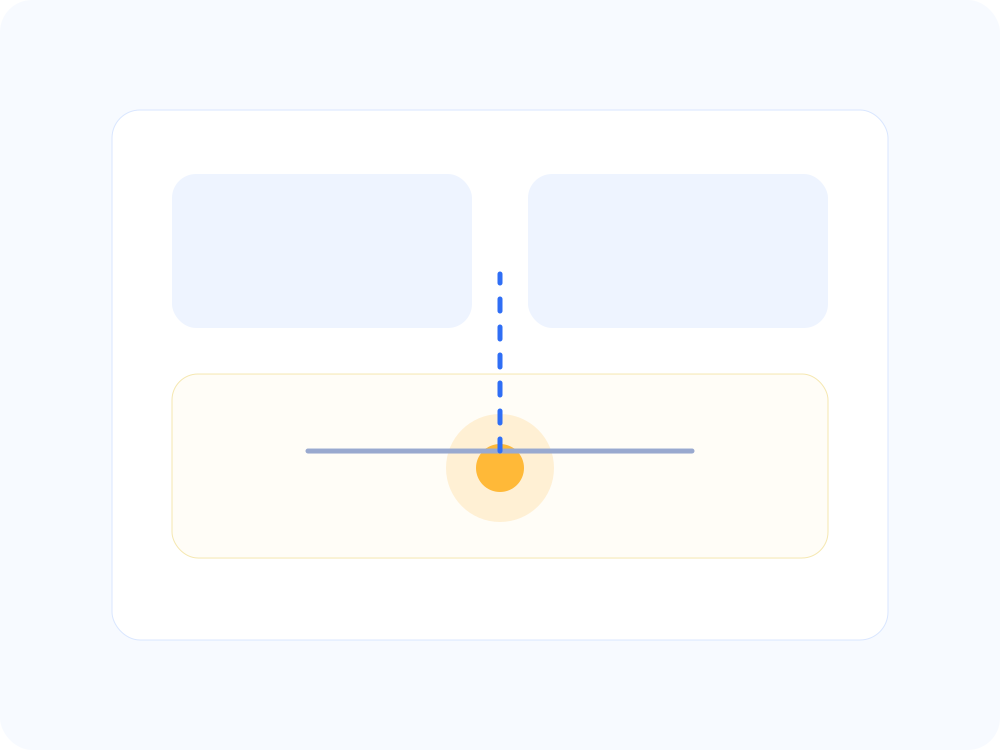
Unclear hierarchy
Users cannot distinguish what matters most.
Detection
How EaseUse detects it
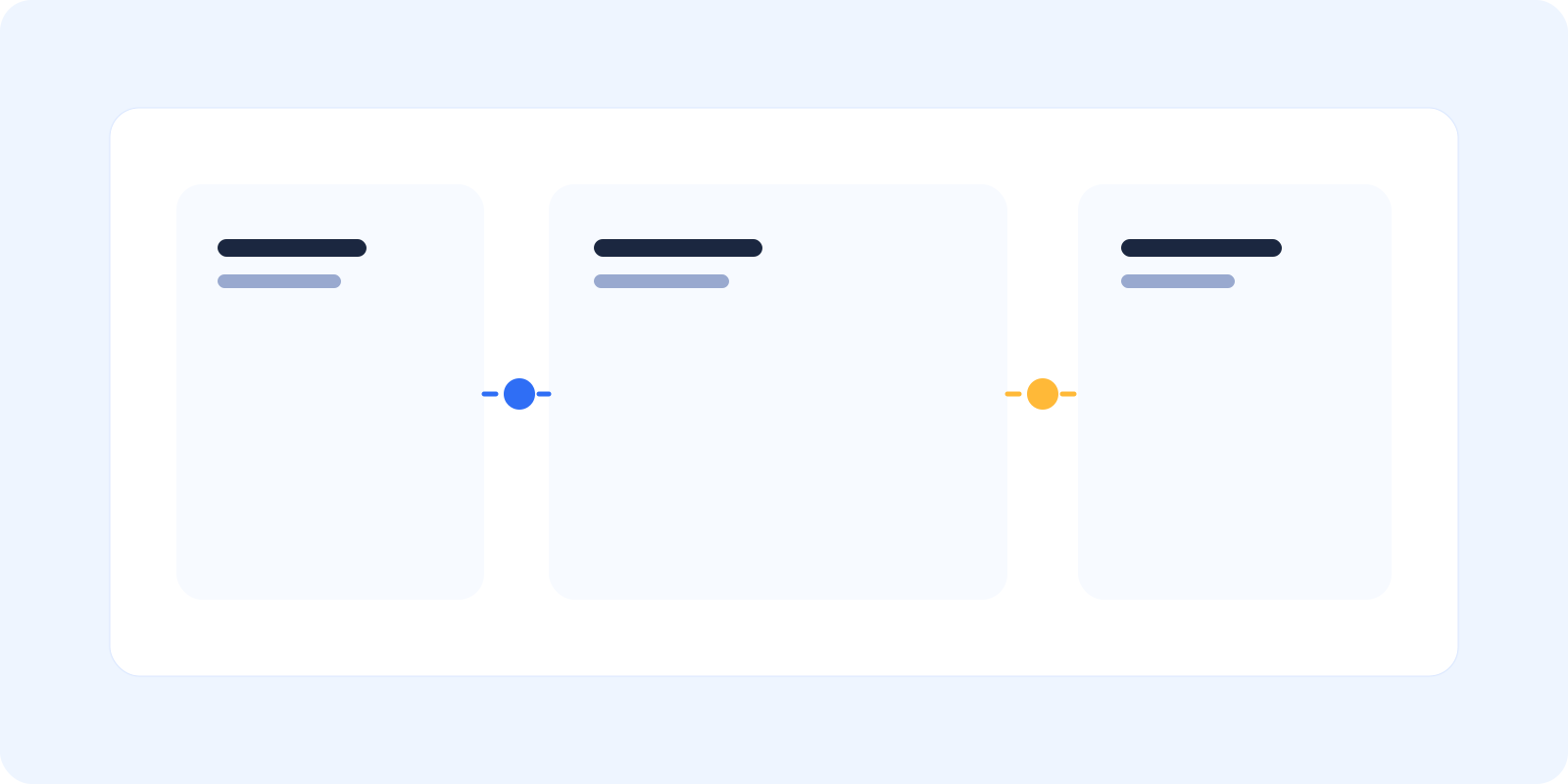
EaseUse connects navigation patterns, interaction behavior, and intent gaps to reveal where users fail to understand information in context.
Replay
See where users encounter information but do not act on it.
Signals
Spot hesitation, revisits, and stalled progression around key details.
Intent
Understand what the user needed to do after viewing the information.
Findings
Surface the screens where context weakens understanding.
From Issue To Fix
From scattered information to clear progression
Before
Critical details buried in general screens
No clear connection to next steps
Users unsure what to do next
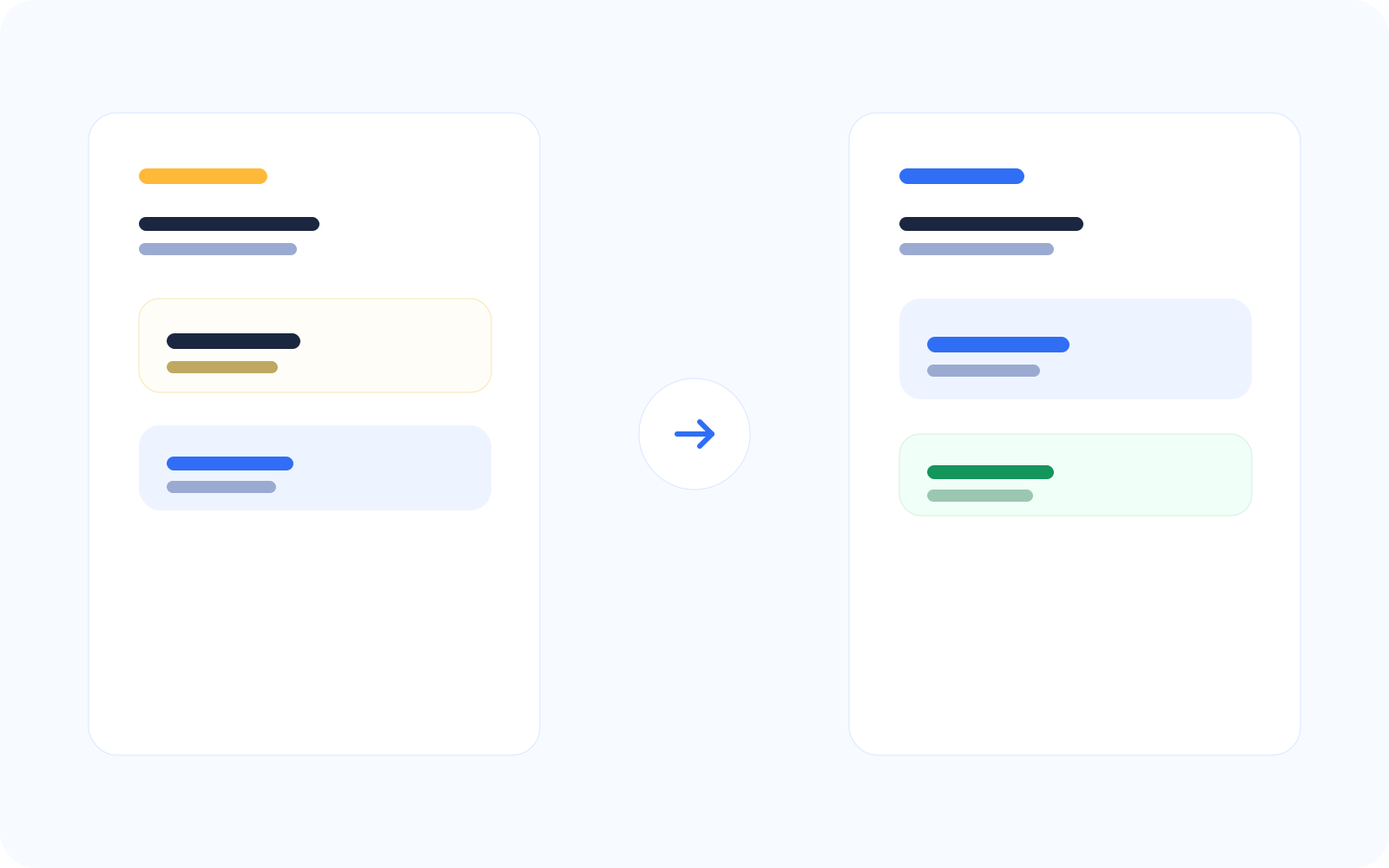
After
Product information shown in the right context
Connected to relevant records and actions
Clear next steps for the user
Clarity improves when information is presented where users expect it and when it matters.
Impact
What this improves across key flows
Better decision-making
Reduced confusion
Improved task progression
Related Features