

Understand what users intended to do — and why it didn’t happen
Intent Tracking shows what should have happened versus what happened in a user journey, so teams can see where the path failed and why it did not continue. It is especially useful when missed activation, incomplete checkout, or conversion gaps quietly turn into larger continuity problems.
What is intent tracking
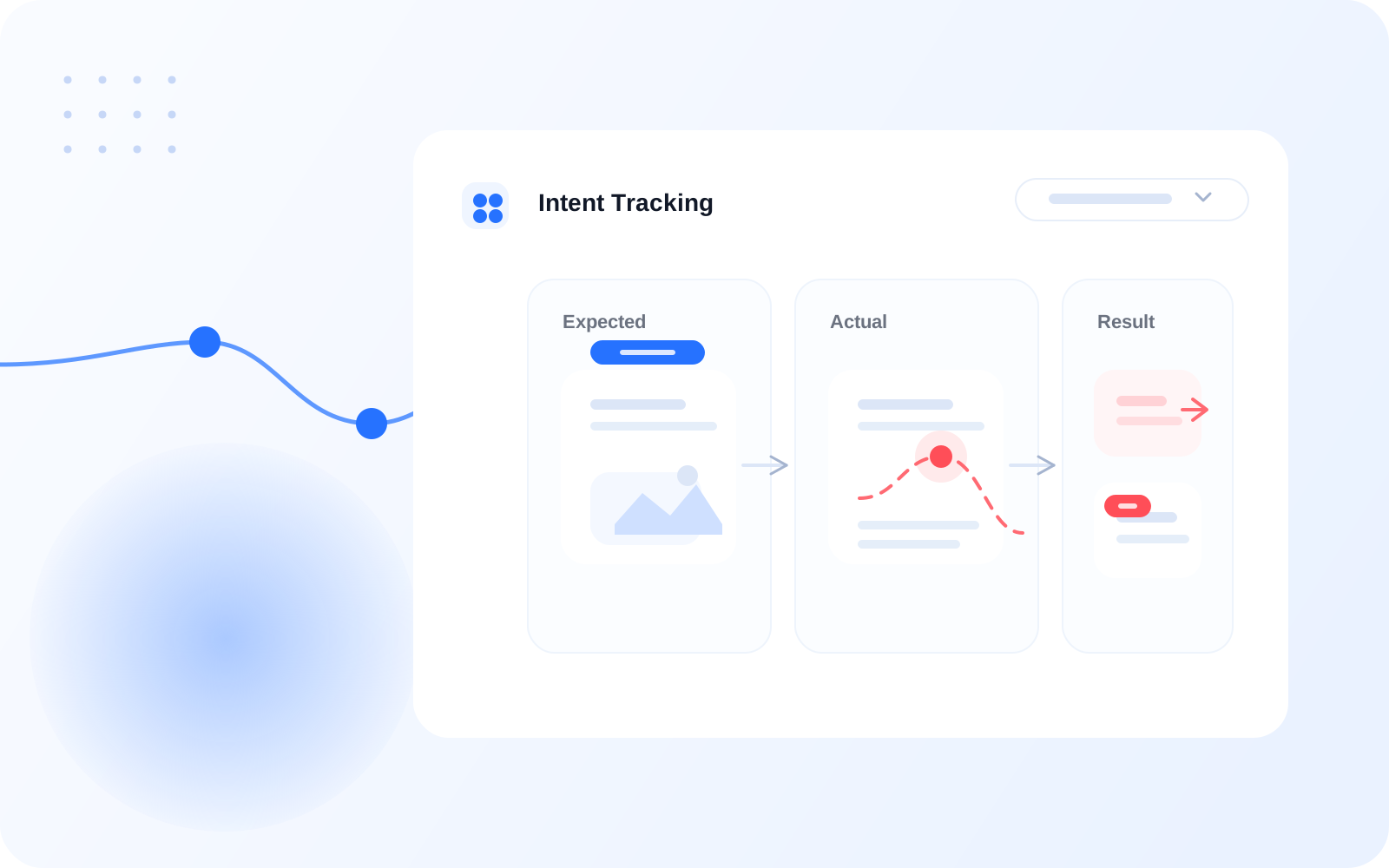
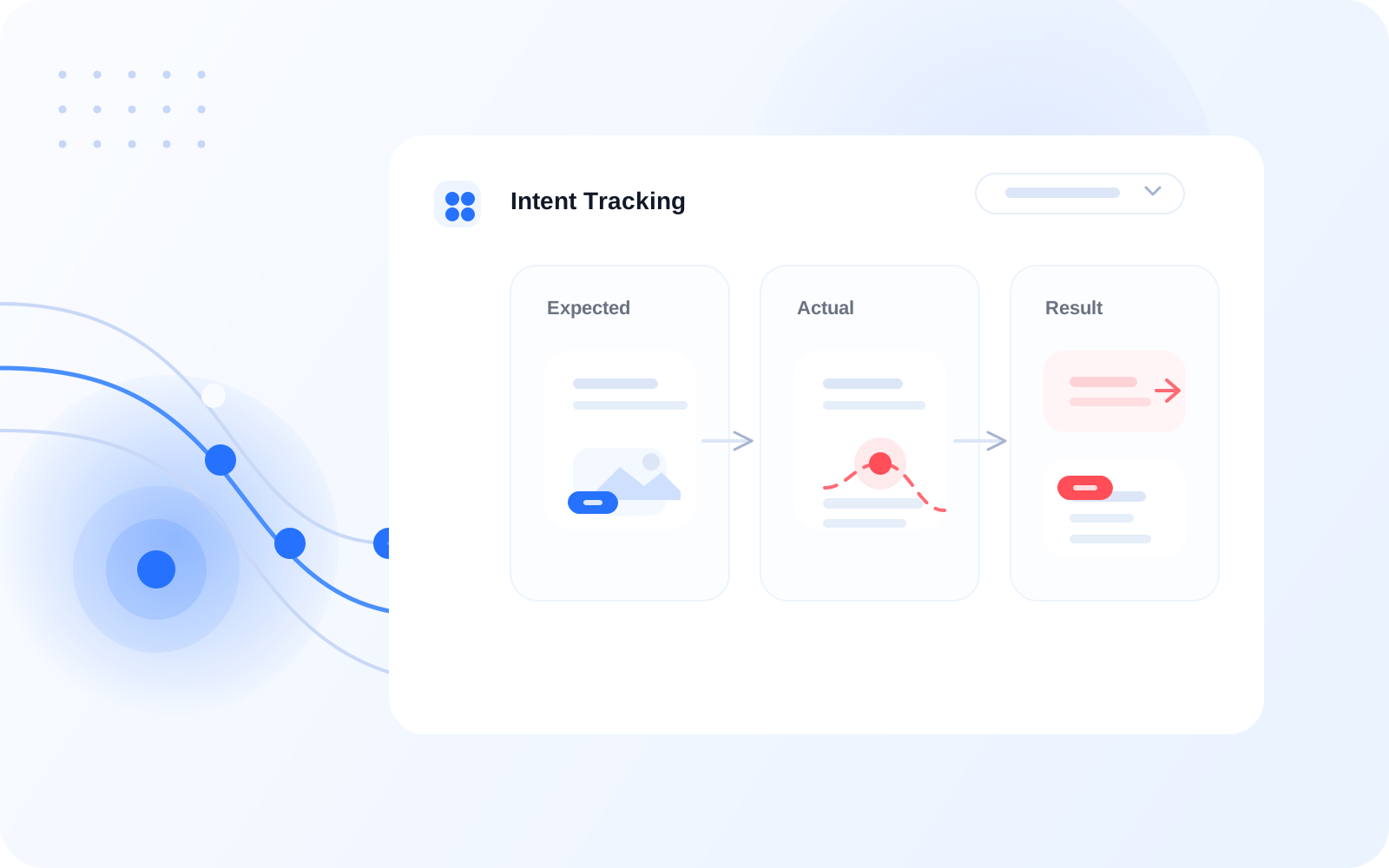
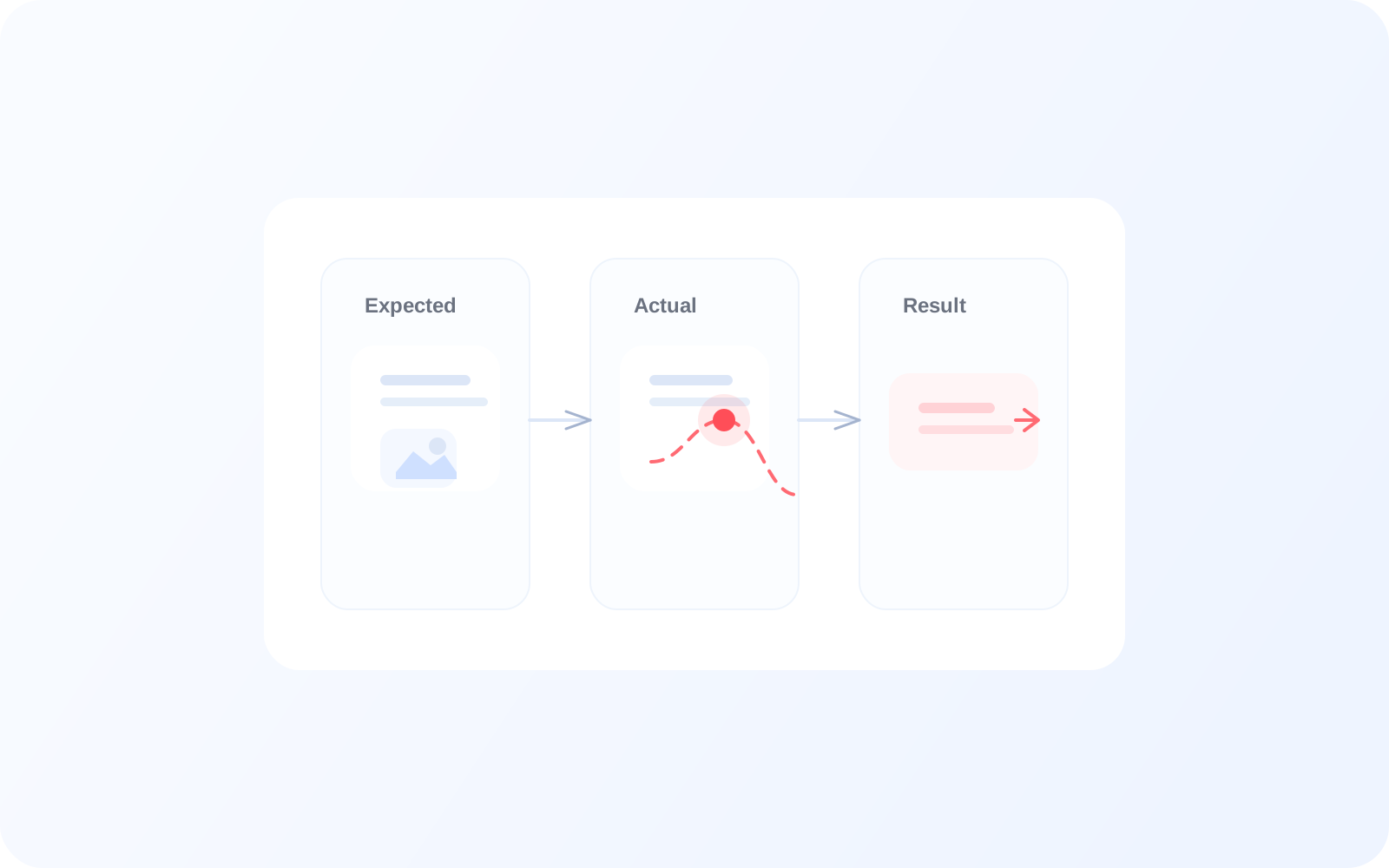
What users try to do vs what actually happens
Intent Tracking maps user goals to real outcomes so teams can see where the experience broke. Instead of relying on a generic drop-off number, business stakeholders can understand whether a user failed to complete a key action, chose a fallback path, or left before taking the expected action. For example, a user may open account details with the expected next step of starting checkout, but exit without action.
Expected
What the user came to do
Actual
What they actually did
Result
What happened in the end
Step flow
See intent from start to outcome
01
User intent detected
User opens account details to view activation
02
Expected outcome
User views details successfully
03
Actual behavior
User navigates away or retries
04
Result
Fallback or drop-off
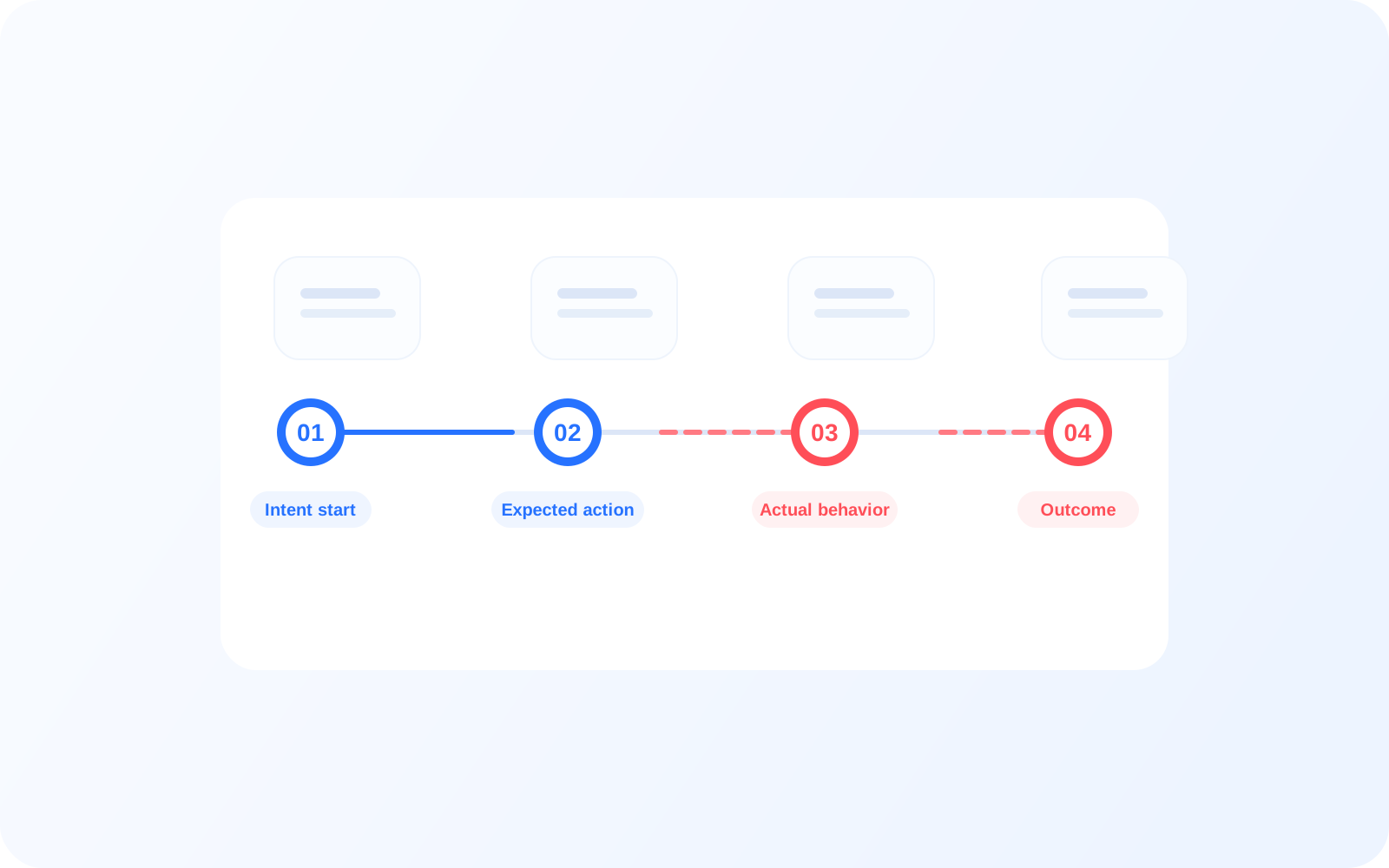
Each intent is tracked from start to outcome, giving teams visibility into where journeys break and whether the failure was immediate or gradual. A business team can follow one intended action from the first user attempt through retries, fallback, or final abandonment.
Real digital product examples
See journey steps that break in practice
Account details not viewed
Expected: View account details
Actual: Exited screen
Result: Drop-off
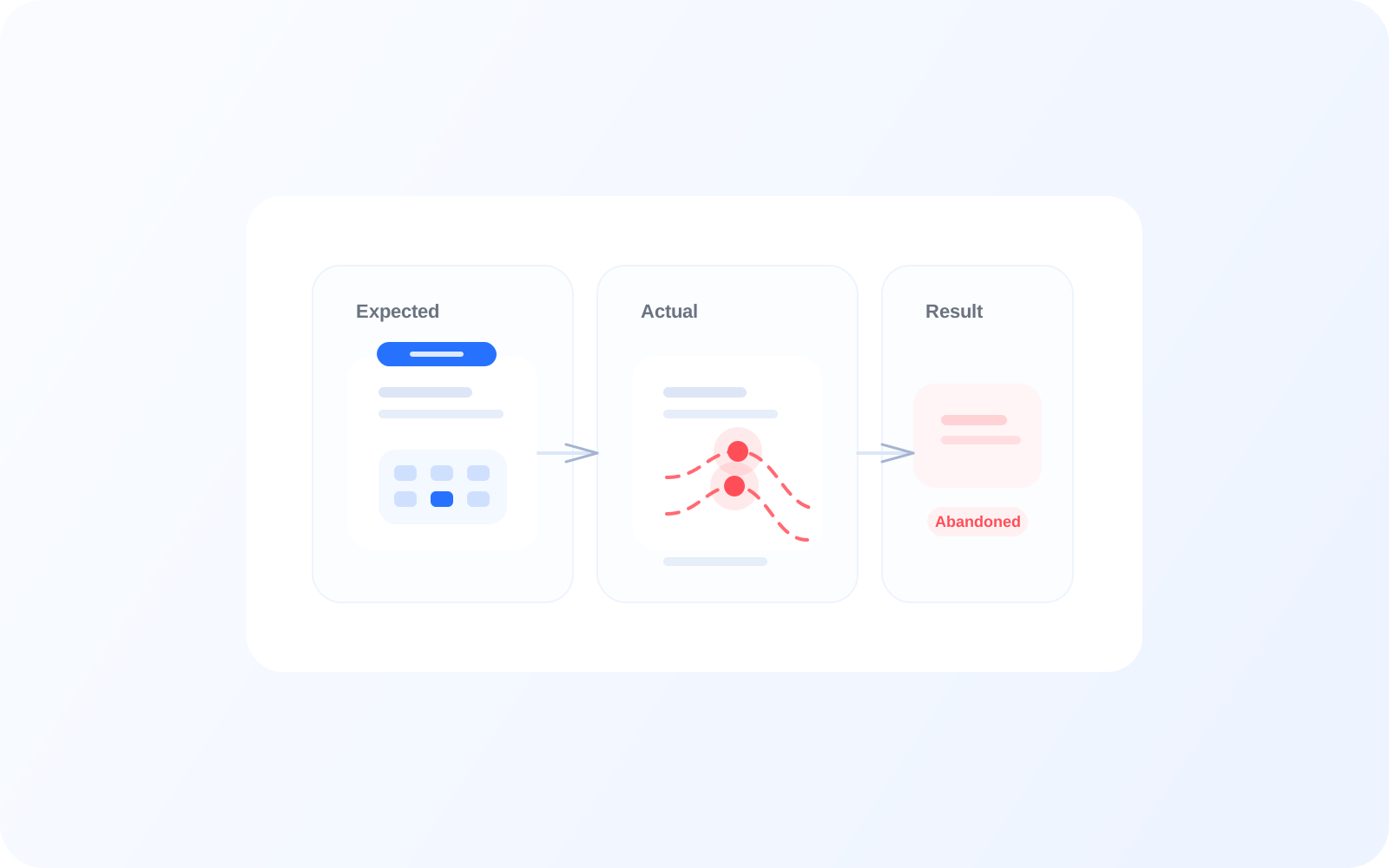
Checkout confirmation failed
Expected: Confirm checkout
Actual: Multiple retries
Result: Abandoned
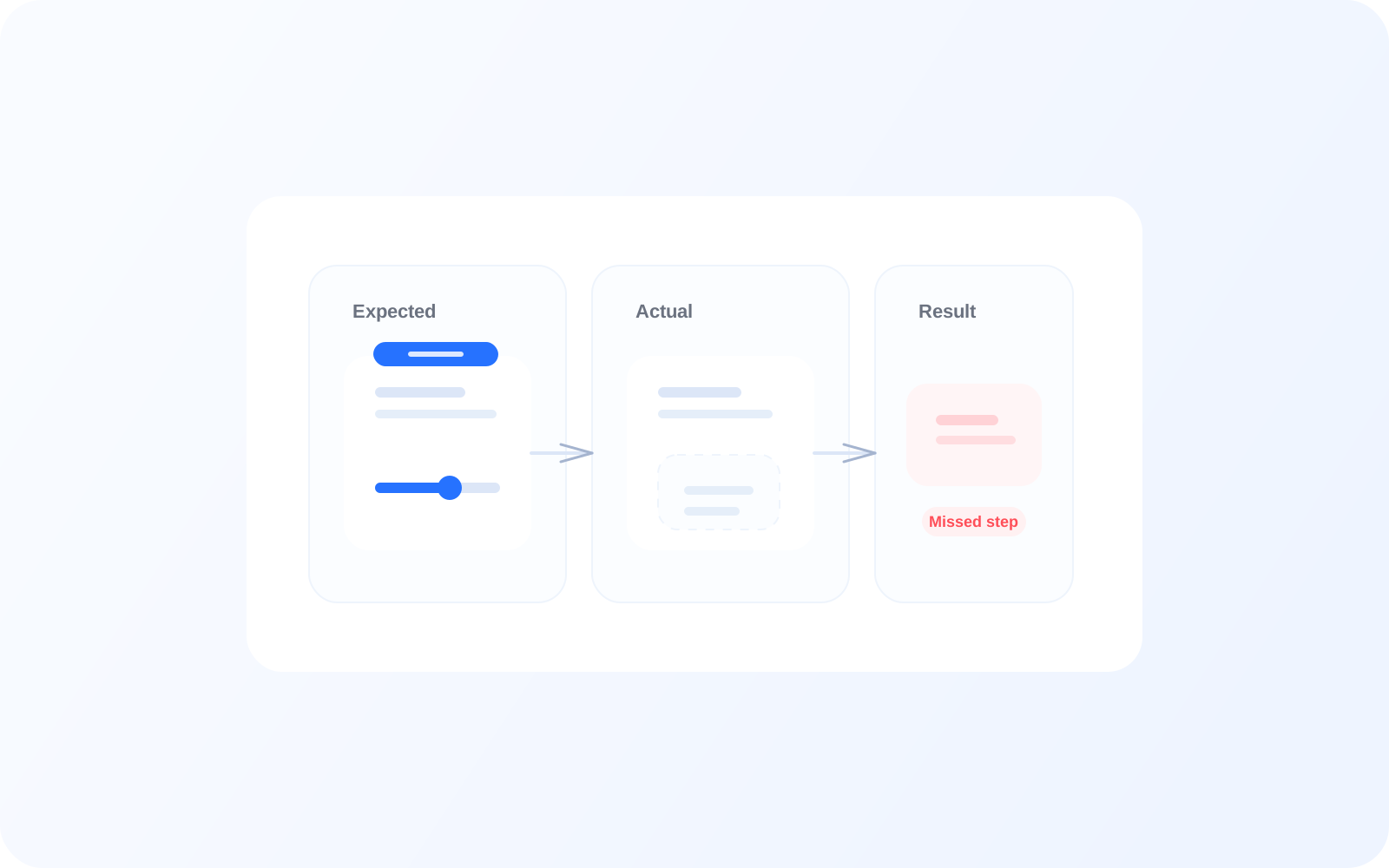
Activation not completed
Expected: Book next step
Actual: No action
Result: Missed next step
Fallback & failure
Understand fallback behavior
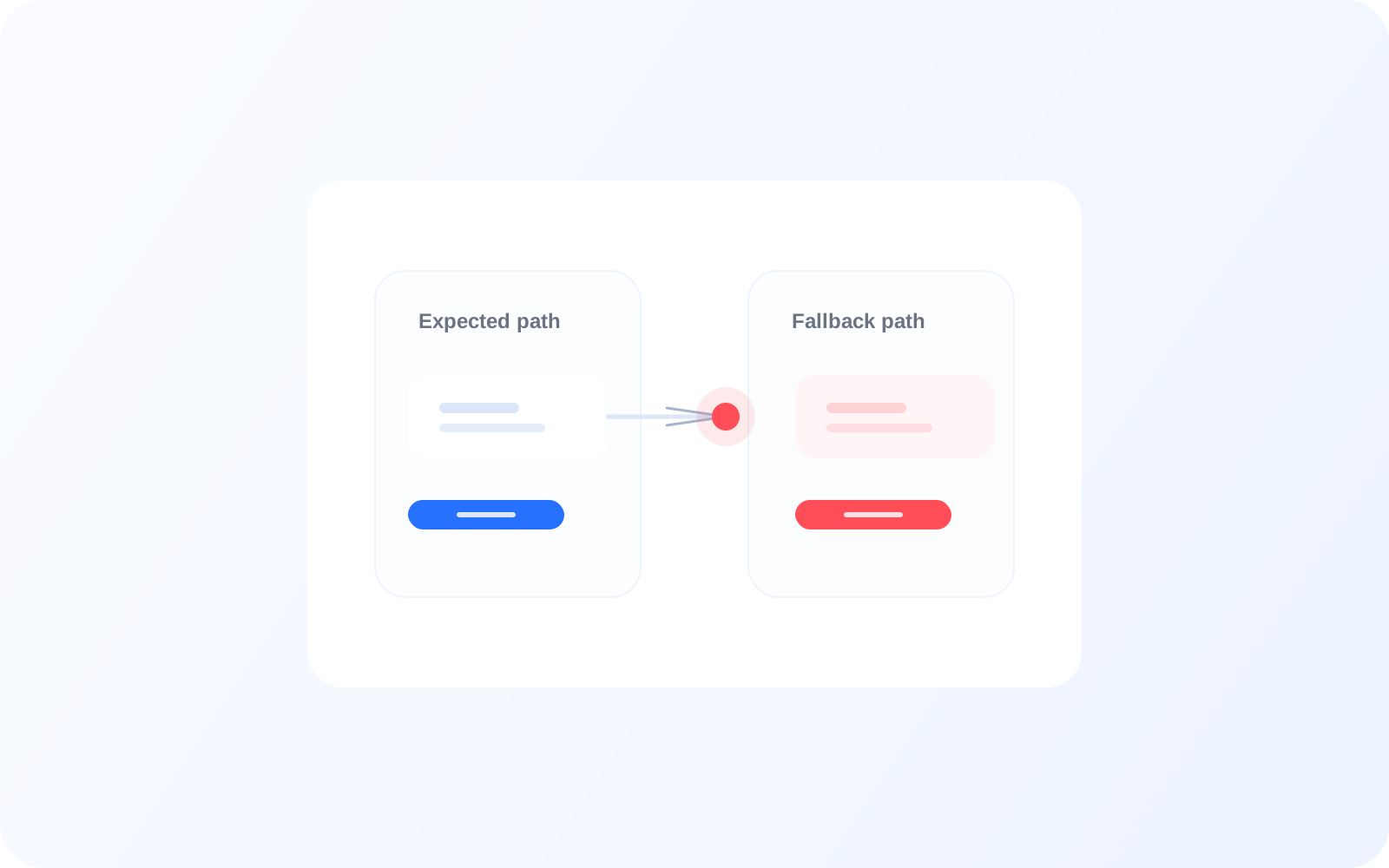
See when users are forced into alternate paths and understand why the original next action did not complete as expected. Repeated fallback around authentication, account access, or activation can signal broader friction.
Expected: Biometric login
Actual: OTP login
Result: Fallback
Reason: Biometric not available
Pattern analysis
Identify repeated failures across users
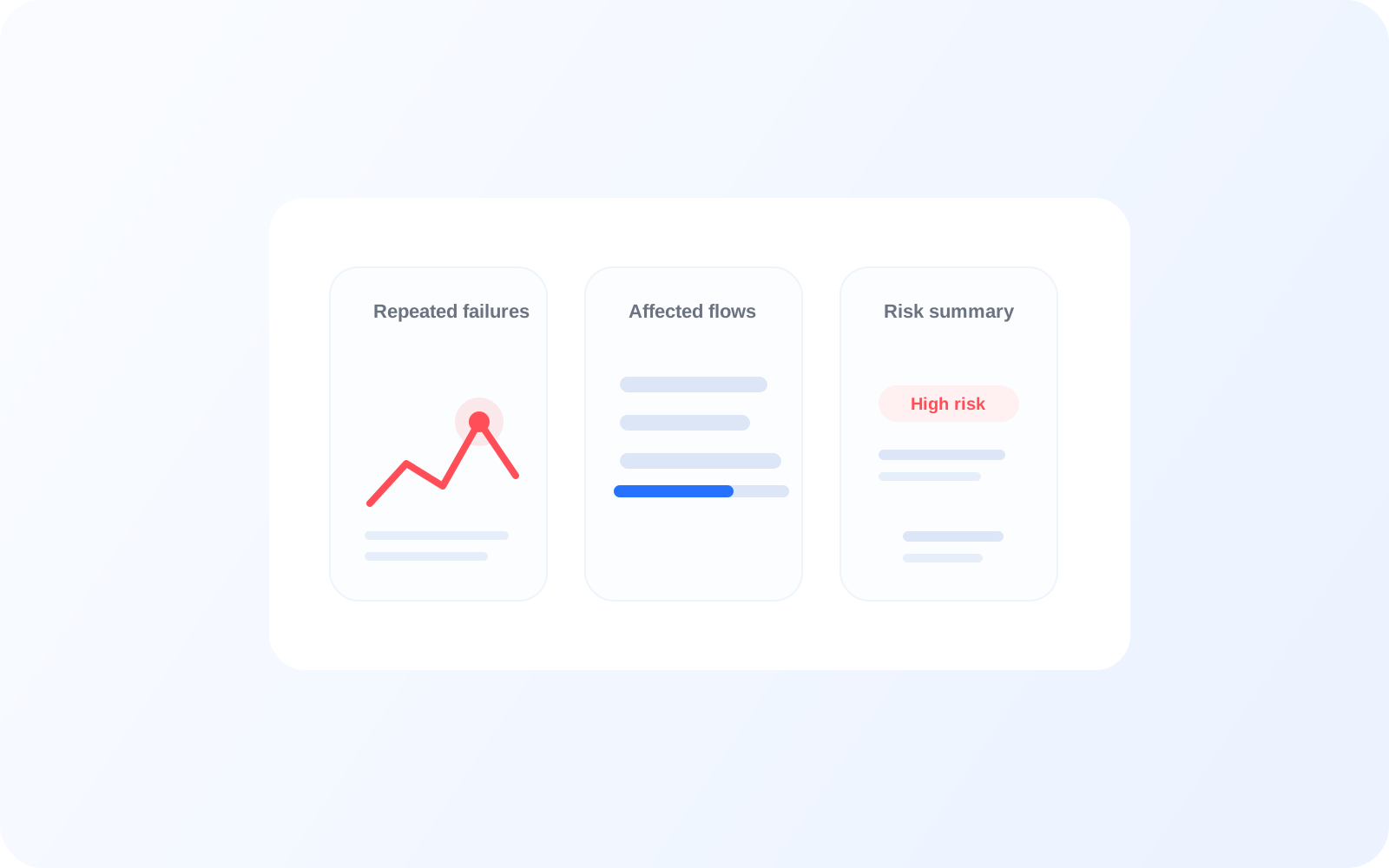
Detect repeated intent failures across the user base and across key flows. This helps teams distinguish a one-off issue from a recurring breakdown that affects activation, checkout completion, or conversion continuity.
Repeated fallback scenarios
High failure rates in specific flows
Missed journey steps after activation
Decision layer
Turn intent into decisions
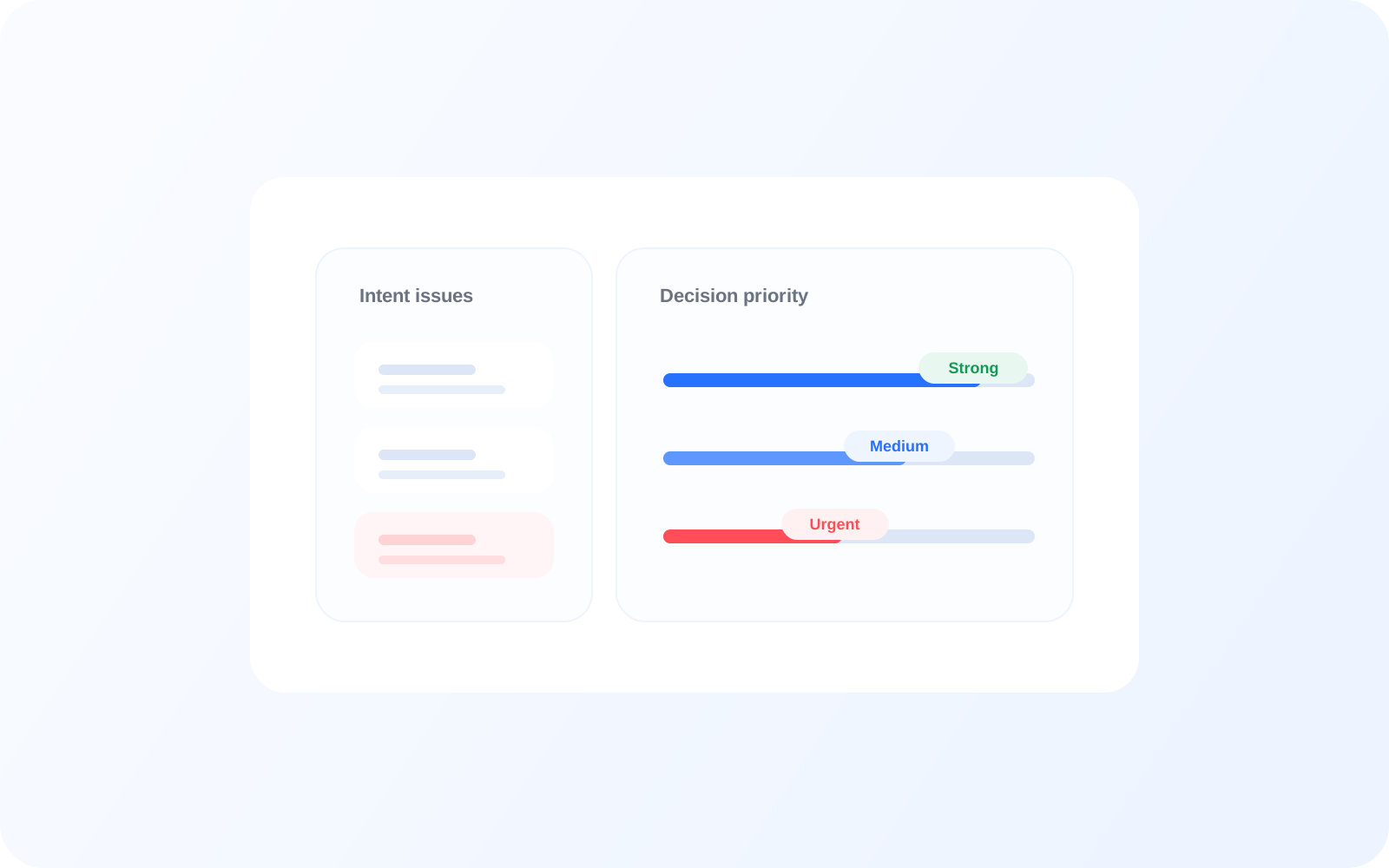
Prioritize what to fix based on real user impact instead of intuition alone. When a specific intent fails often, causes fallback, or leads to missed journey steps, teams can treat it as an operational priority.
Which flows fail most
Where users drop before completion
Which issues affect outcomes
Related features
Connected capabilities
Session Replay
Replay the exact user session behind an intent outcome so teams can see the path, hesitation, and final exit point in context. This is useful when a missed next step looks simple in summary data but is harder to explain operationally.
Journey Analysis
See where intent outcomes sit inside the broader user journey, including the screens and decisions around them. This helps teams understand whether intent failure is isolated or part of a larger journey pattern.
UX Score
Translate repeated intent failures, fallback behavior, and missed journey steps into a clearer measure of experience quality. This helps teams prioritize issues that affect journey continuity instead of treating every failure equally.
FAQ