

Understand how users move through journeys — step by step
Journey Analysis shows how users move across your app from entry to activation to next step, making it easier to understand where key flows continue and where they break. For digital product teams, that means identifying whether users fall out before checkout completion, after account access, or between activation and the next action.
Overview
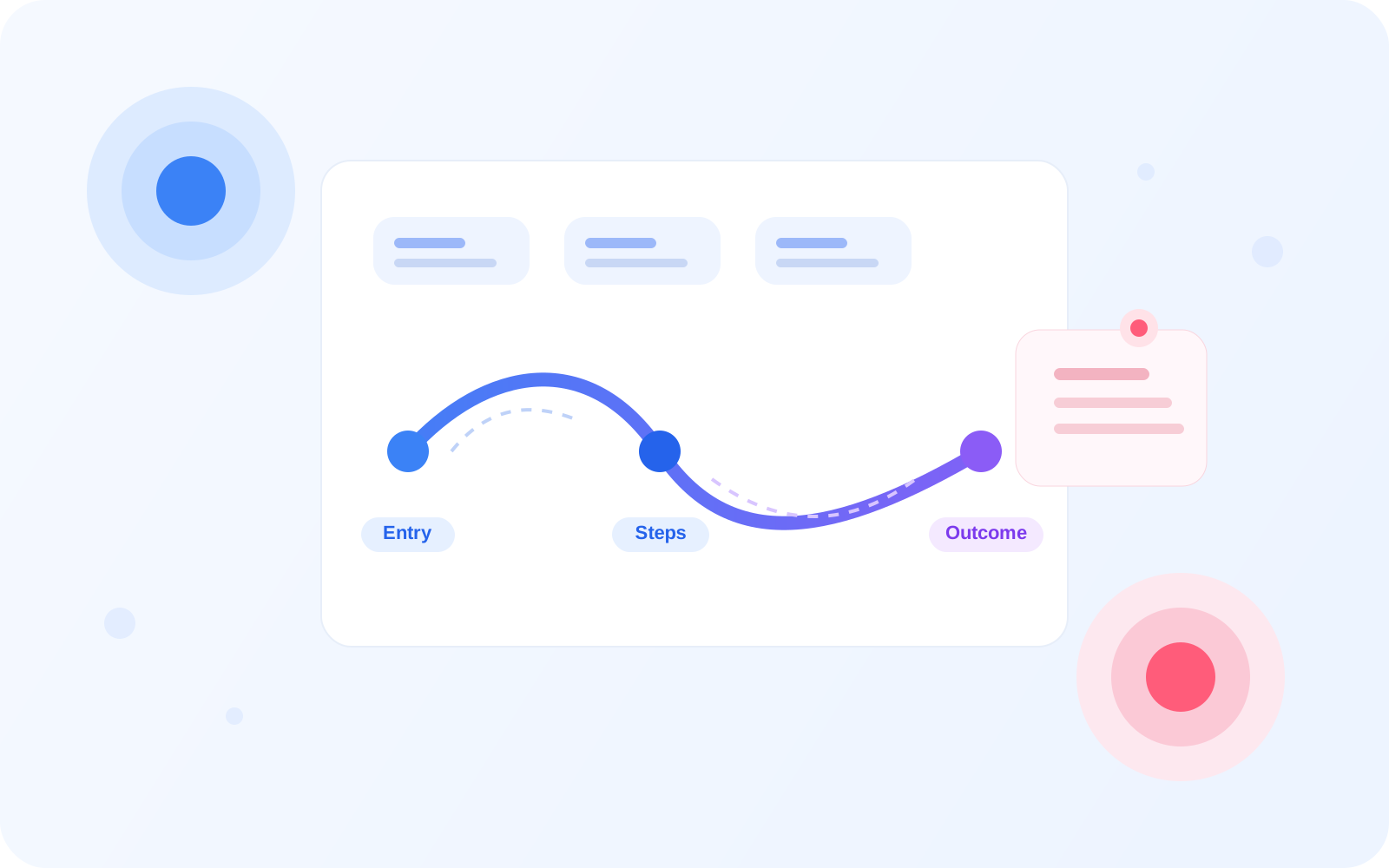
See the full user journey
Understand how users move across the app from entry to outcome, rather than looking at each screen in isolation. Journey Analysis shows where key flows remain healthy and where users begin to drift, pause, or leave. For example, a team can see whether users reach activation but fail to progress into checkout.
Journey flow
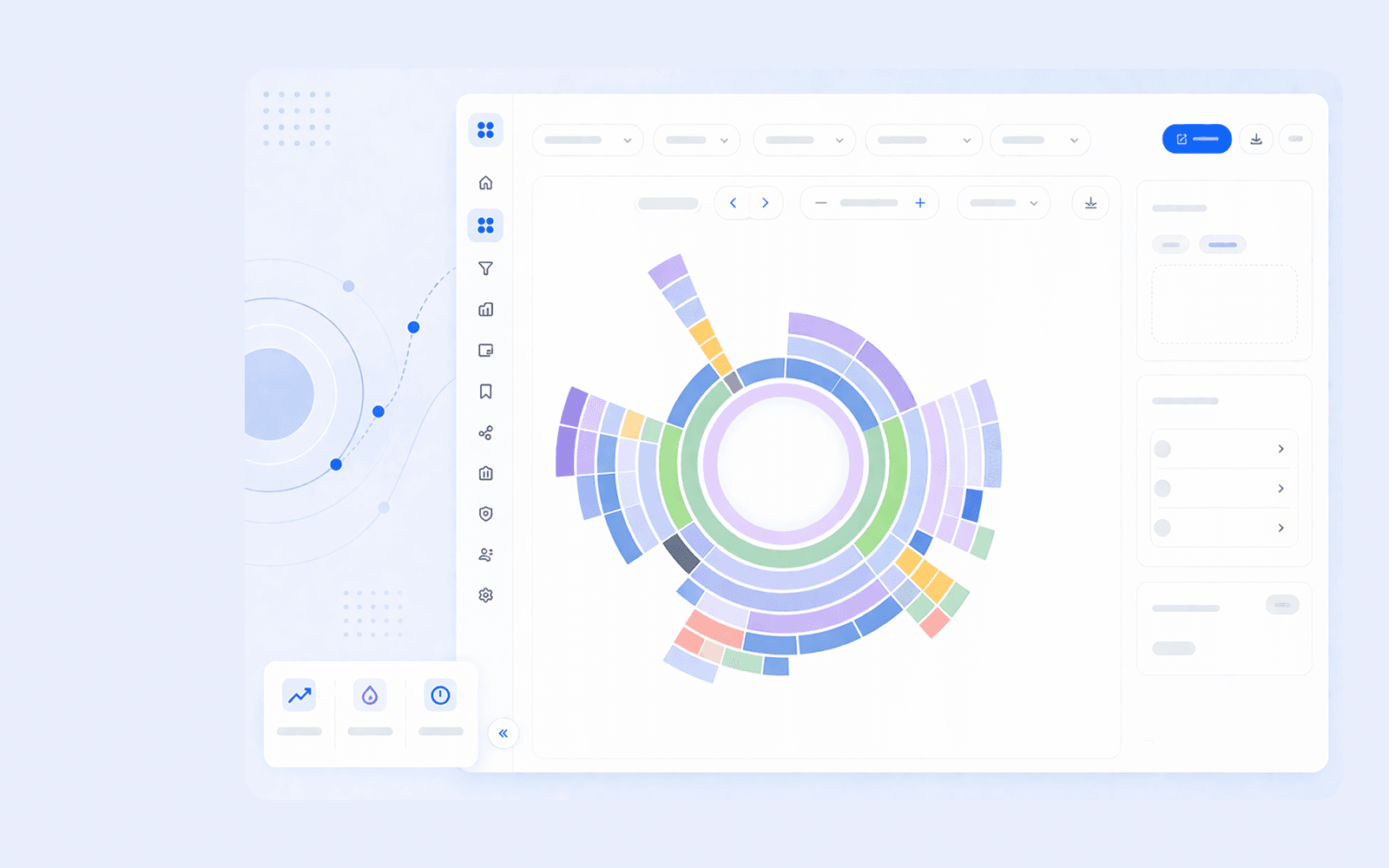
From entry to outcome
Track how users move step by step through the product so each transition is easier to understand and improve. This is especially helpful when the journey looks healthy at the top level but hides a missed next step between activation and action.
Path visualization
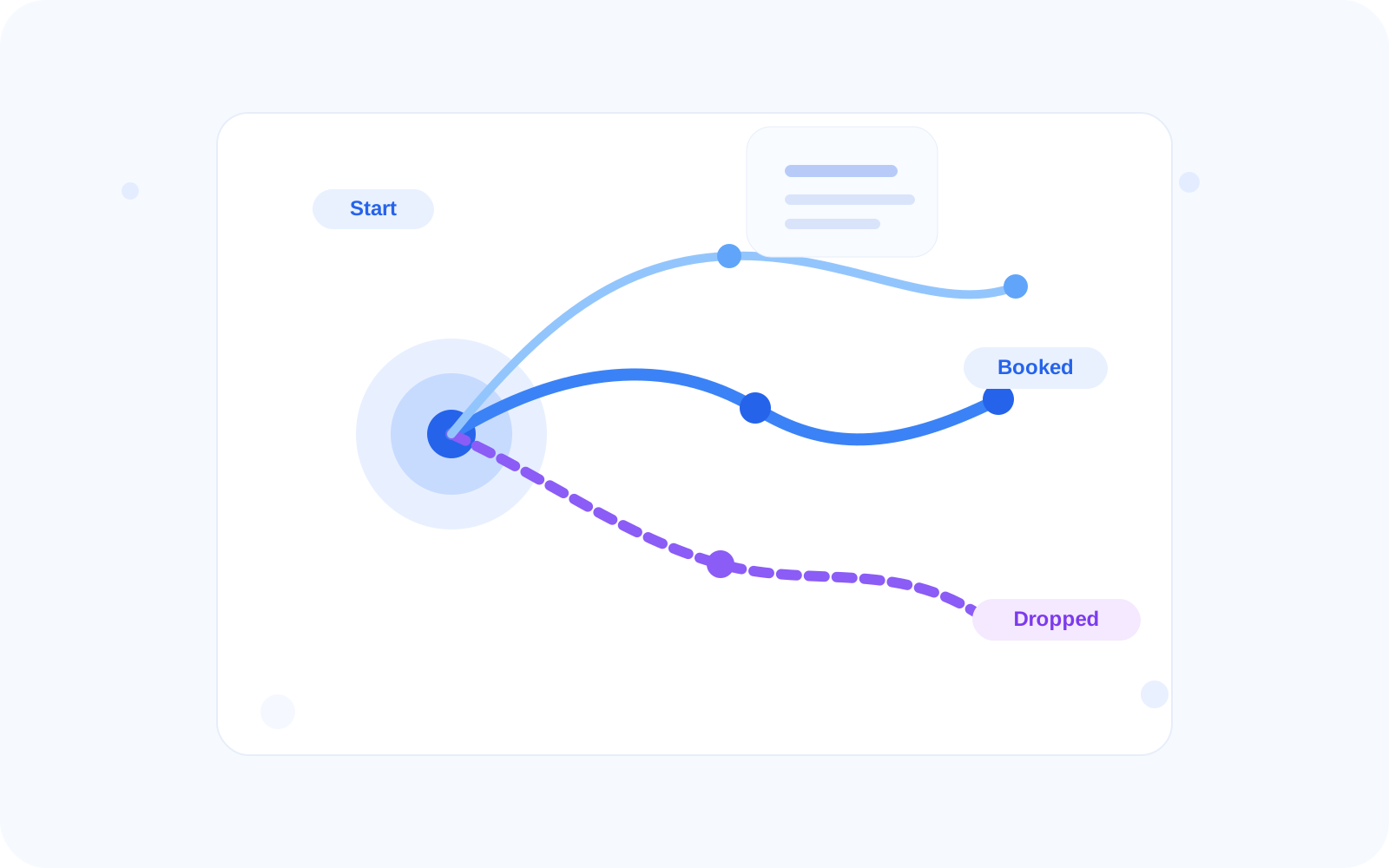
See real user paths
Understand the most common routes users take instead of assuming every critical flow behaves the same way. A business team can use this view to spot whether users return to previous screens, branch into alternate paths, or stop after a critical decision point.
Drop-off analysis
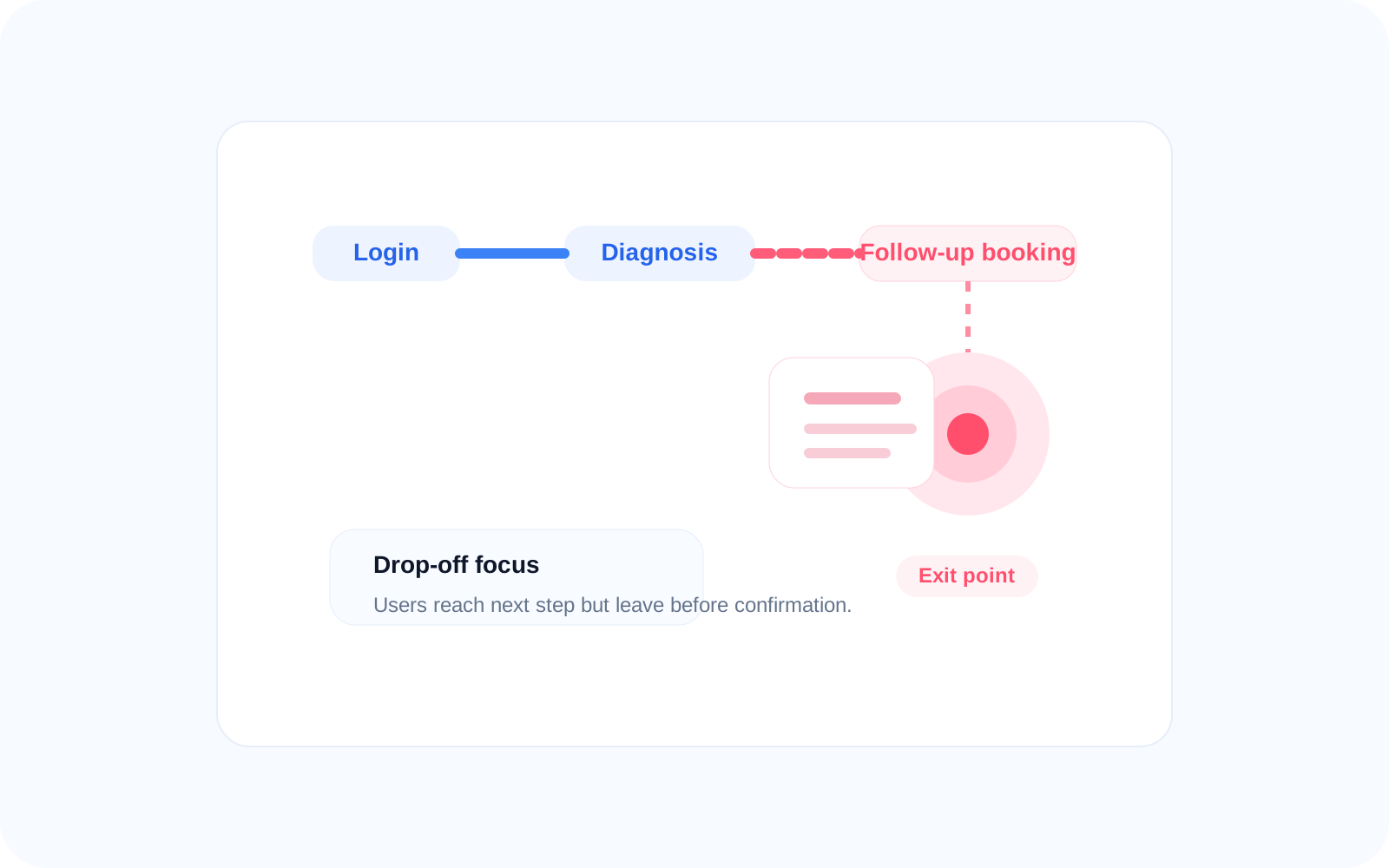
Find where users leave
Identify the exact steps where progress stops so teams can focus on the moments that most directly affect continuity. For example, you may find that users reach plan selection but leave before confirmation, or view activation without taking the next action.
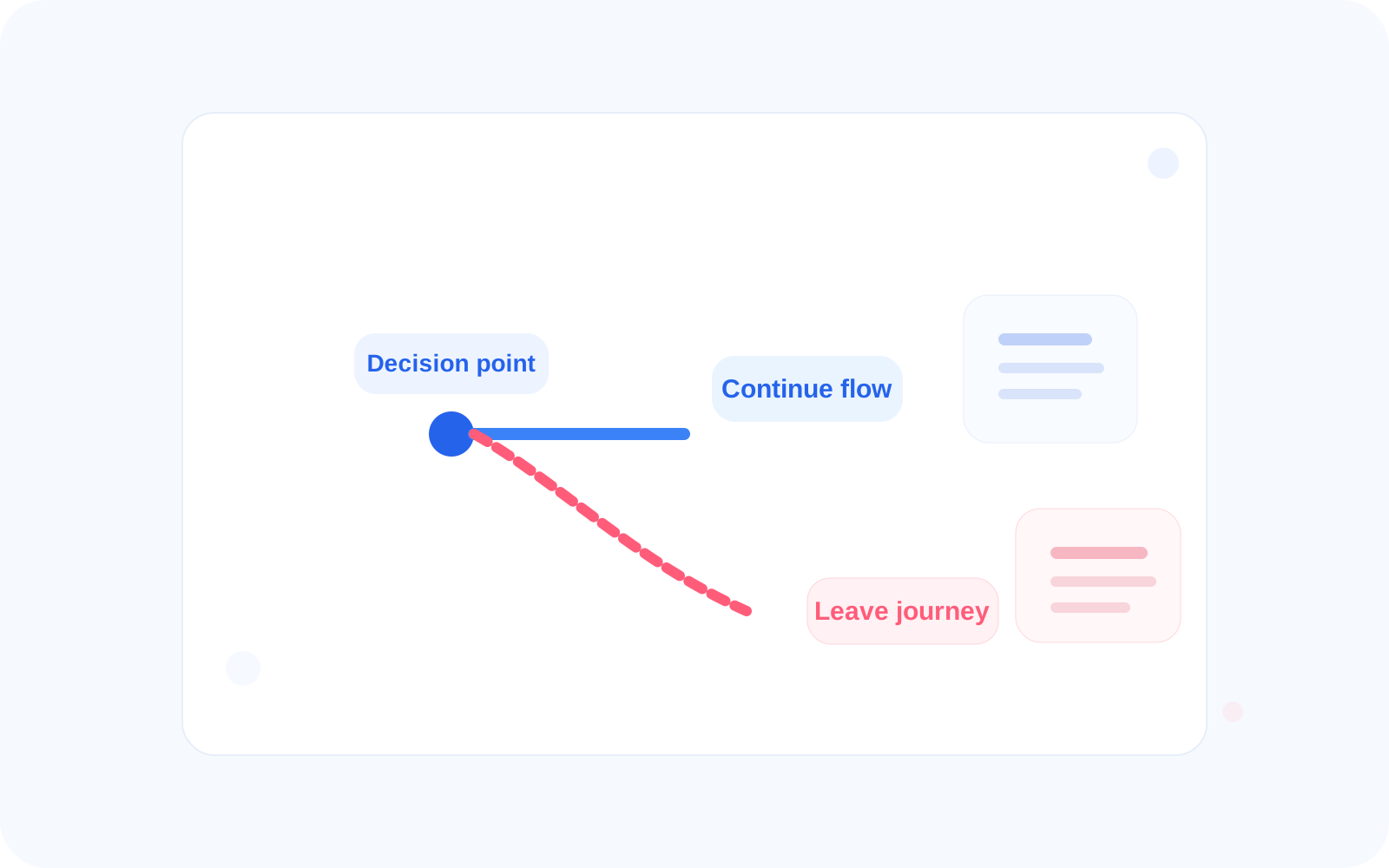
Decision points
Understand key decisions
See where users decide to continue, delay, or leave, especially around high-stakes key moments. These decision points often reveal whether the journey supports confidence or introduces uncertainty before a missed next step.
Comparison
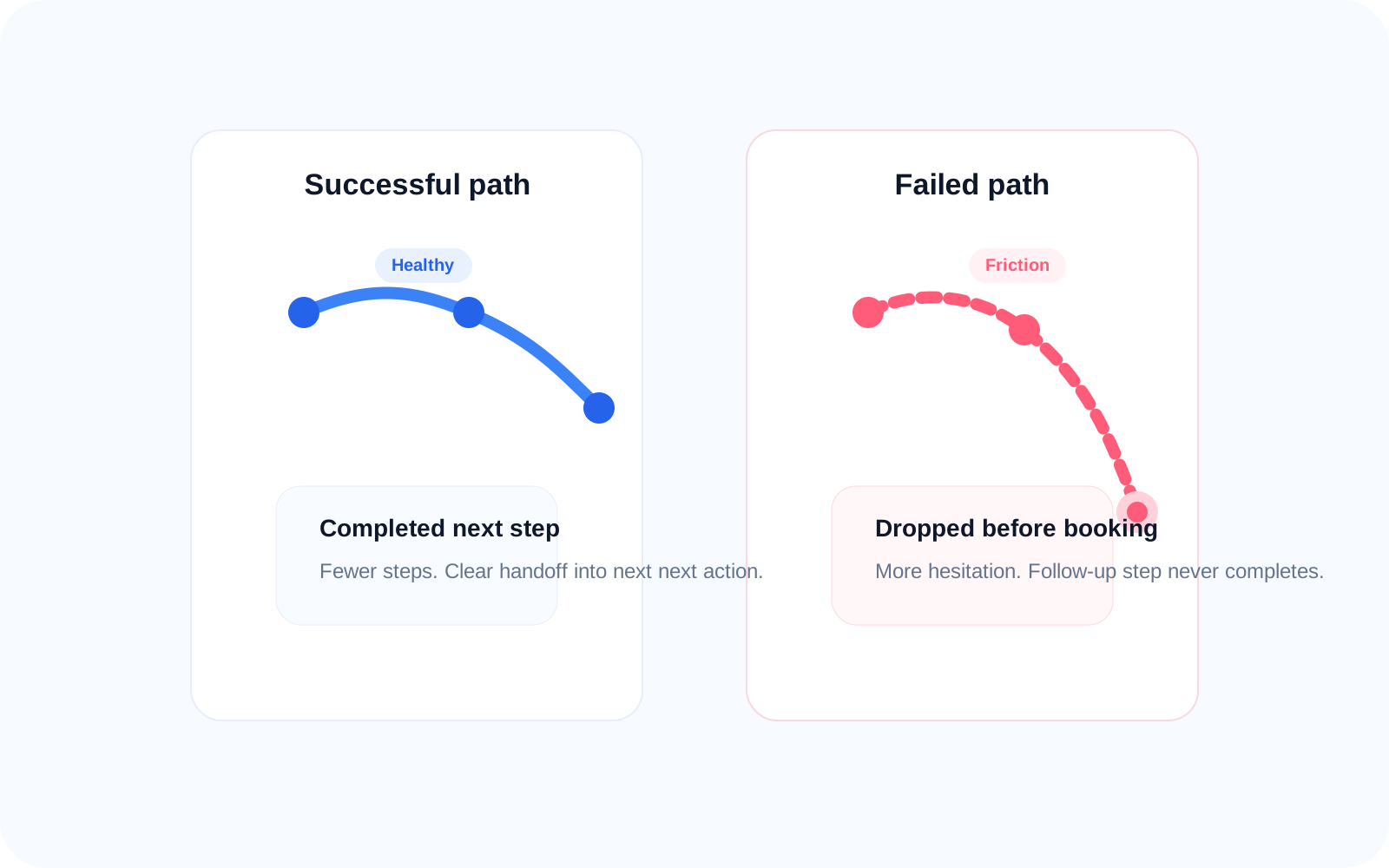
Compare successful vs failed journeys
Compare successful and failed journeys to understand what separates completed paths from abandoned ones. This helps teams see whether successful users move through fewer steps, face less friction, or receive clearer guidance after activation.
Integration
Built to work with your system
Bring journey analysis into existing product workflows without forcing teams to change how they already investigate journey continuity. Teams can move from journey paths into replay, intent, signals, and funnels when a specific route needs deeper investigation.
Related features
Connected capabilities
Session Replay
Replay the exact user session behind a path so teams can see how one journey unfolded from entry to exit. This helps explain why a path completed, stalled, or ended before the next step.
Intent Tracking
Add expected-versus-actual context to each path so teams can understand whether the user completed the intended next action. This is useful when a journey looked active but still failed to move toward next step.
UX Signals
Detect where friction appears inside the journey, including hesitation, retries, and failed progress before drop-off. Signals help explain why certain paths repeat poor outcomes across multiple users.
FAQ