

See what users actually do
Session Replay shows what happened in a user journey, where confidence dropped, and why progress did not continue. It helps digital product teams investigate missed checkout completion, failed account access, and activation gaps by showing the sequence that led to user drop-off.
Overview
Replay complete journeys
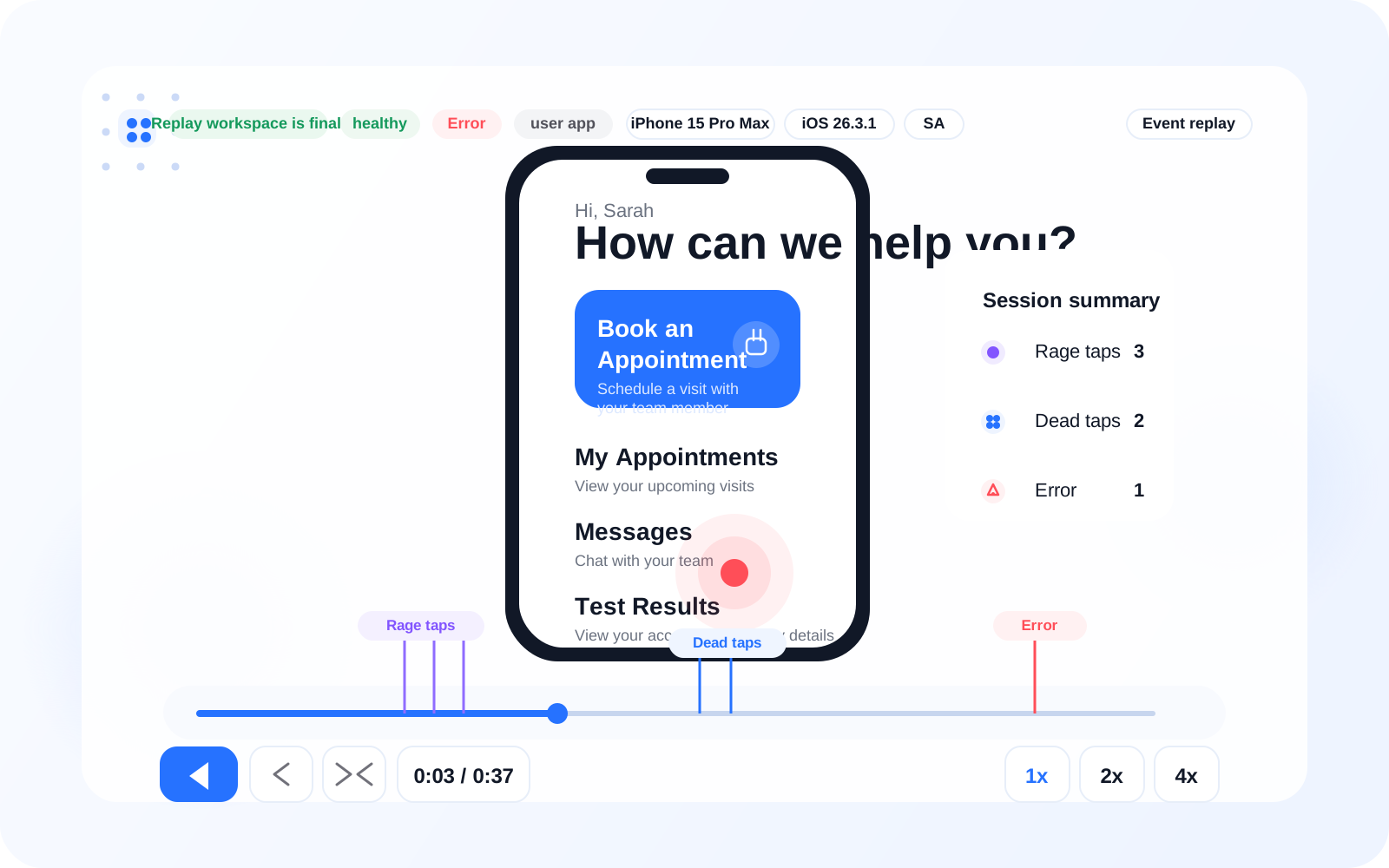
Watch real user behavior from the first screen through the final outcome, including pauses, retries, and exits. Session Replay shows what happened in order, so teams can separate a confusing next step from a technical issue. For example, you can review why users reached account details but never moved into activation.
Timeline
Understand every step
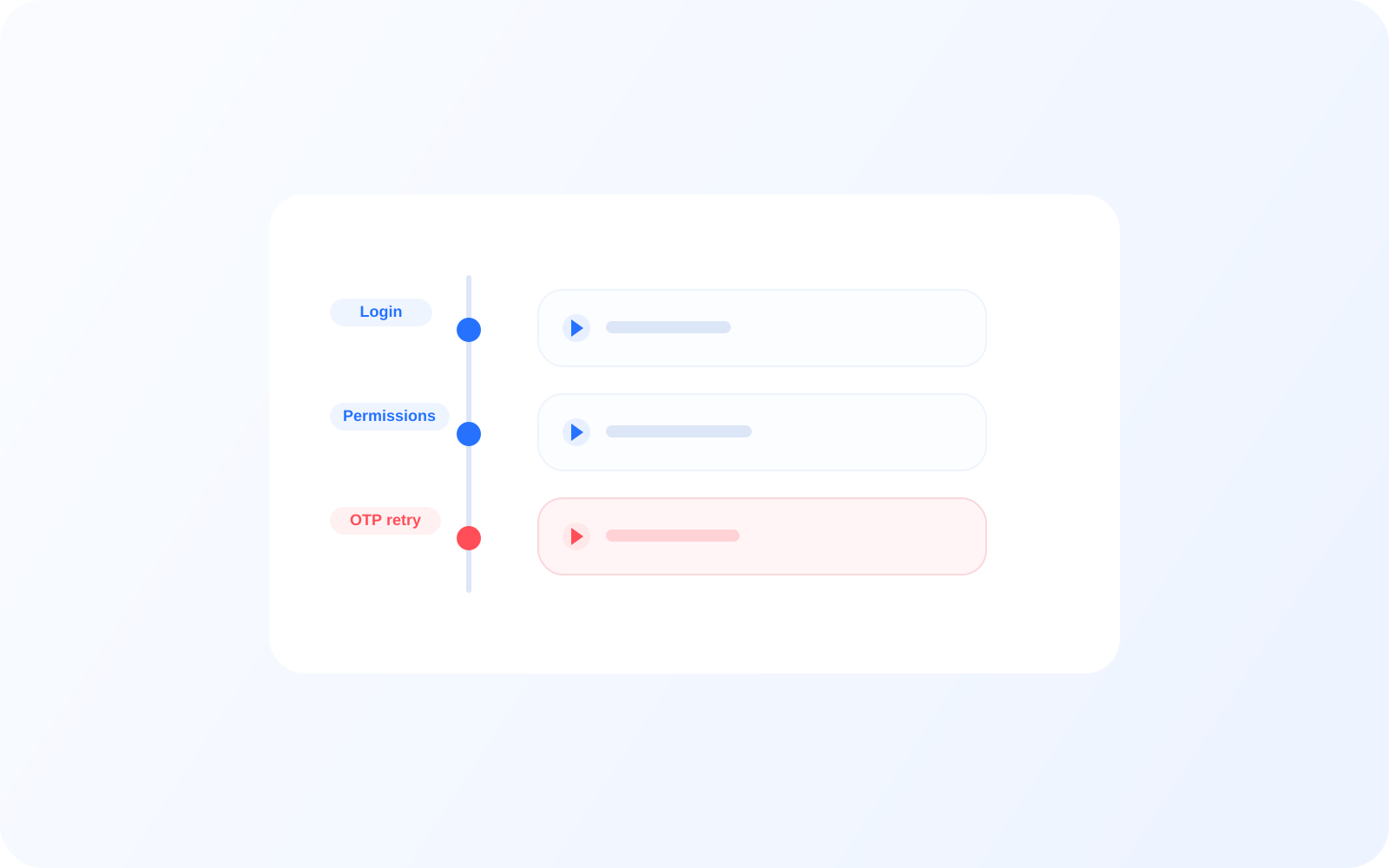
See actions in sequence with timestamps, navigation changes, and markers that explain what happened between screens. This makes it easier to understand whether a user paused at permissions, retried OTP, or left after activation without moving toward task completion.
Detection
Detect friction instantly
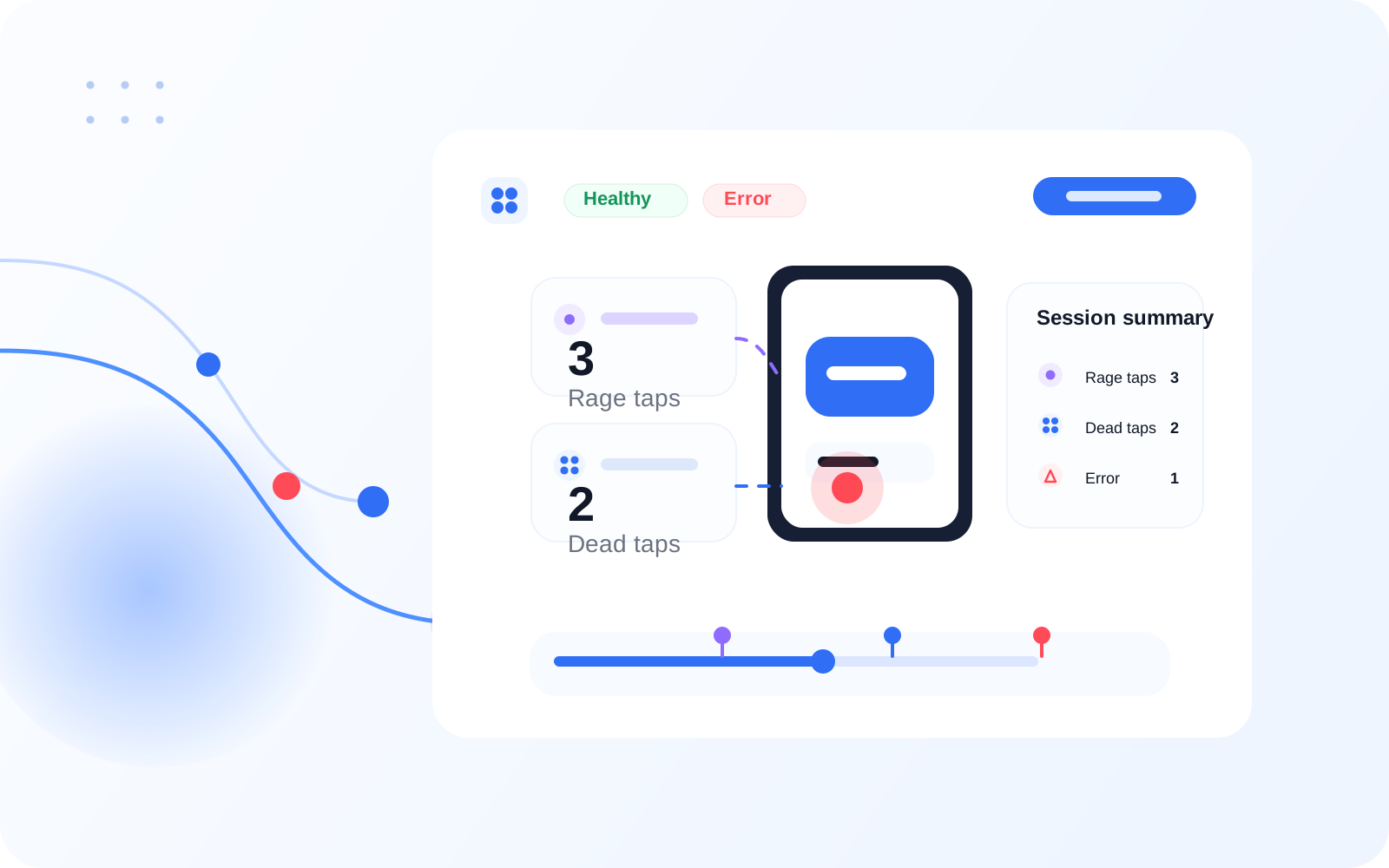
Automatically surface rage taps, dead taps, hesitation, and repeated attempts without manual review first. In digital product flows, that helps teams spot friction around checkout, account access, or identity verification before those issues become missed journey steps at scale.
Analysis
Turn sessions into insights
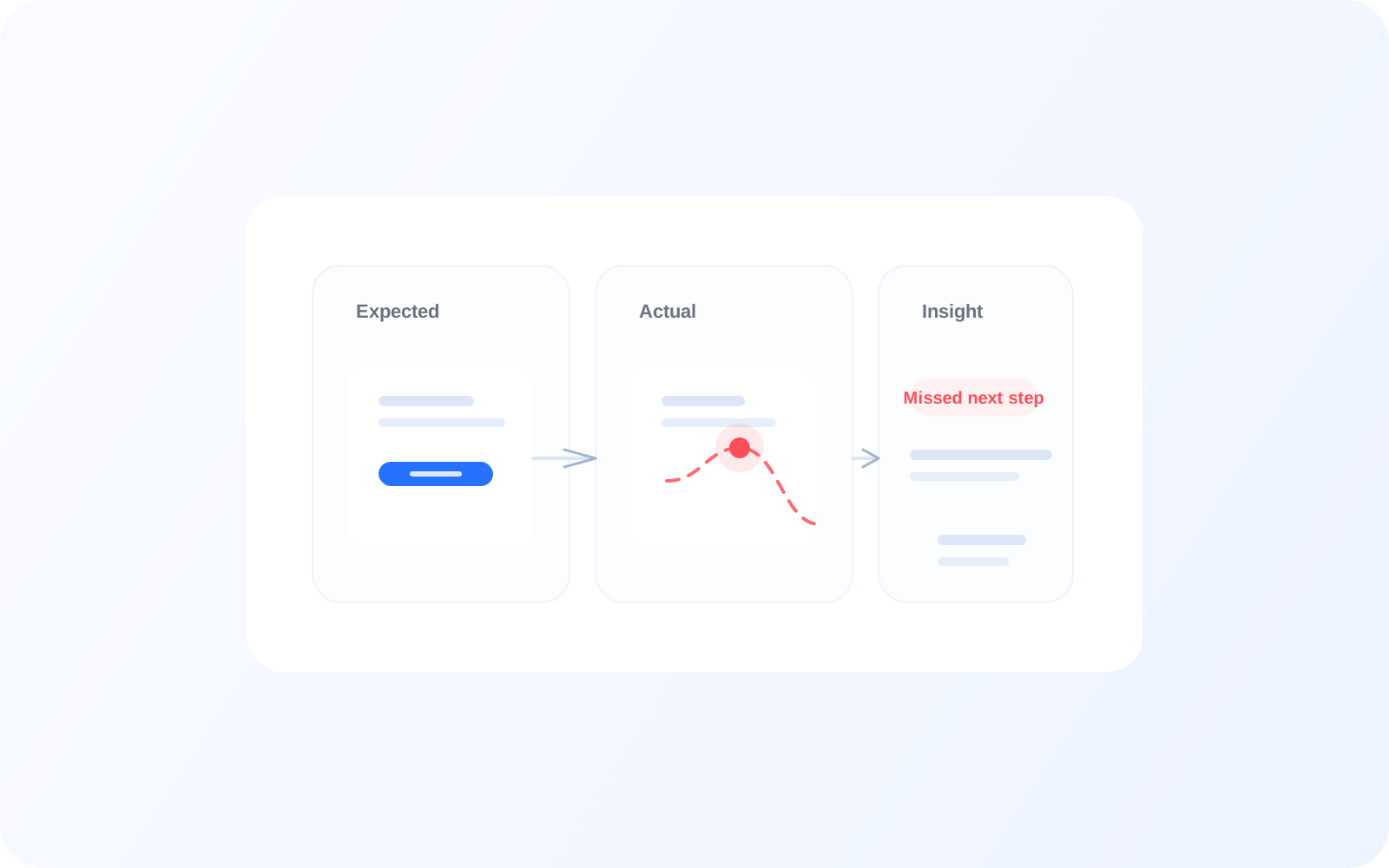
Use replay to move from what happened to why it mattered. When a user reaches a critical step but does not complete it, replay adds the context that supports intent analysis and explains where the critical flow stopped.
Patterns
See patterns across users
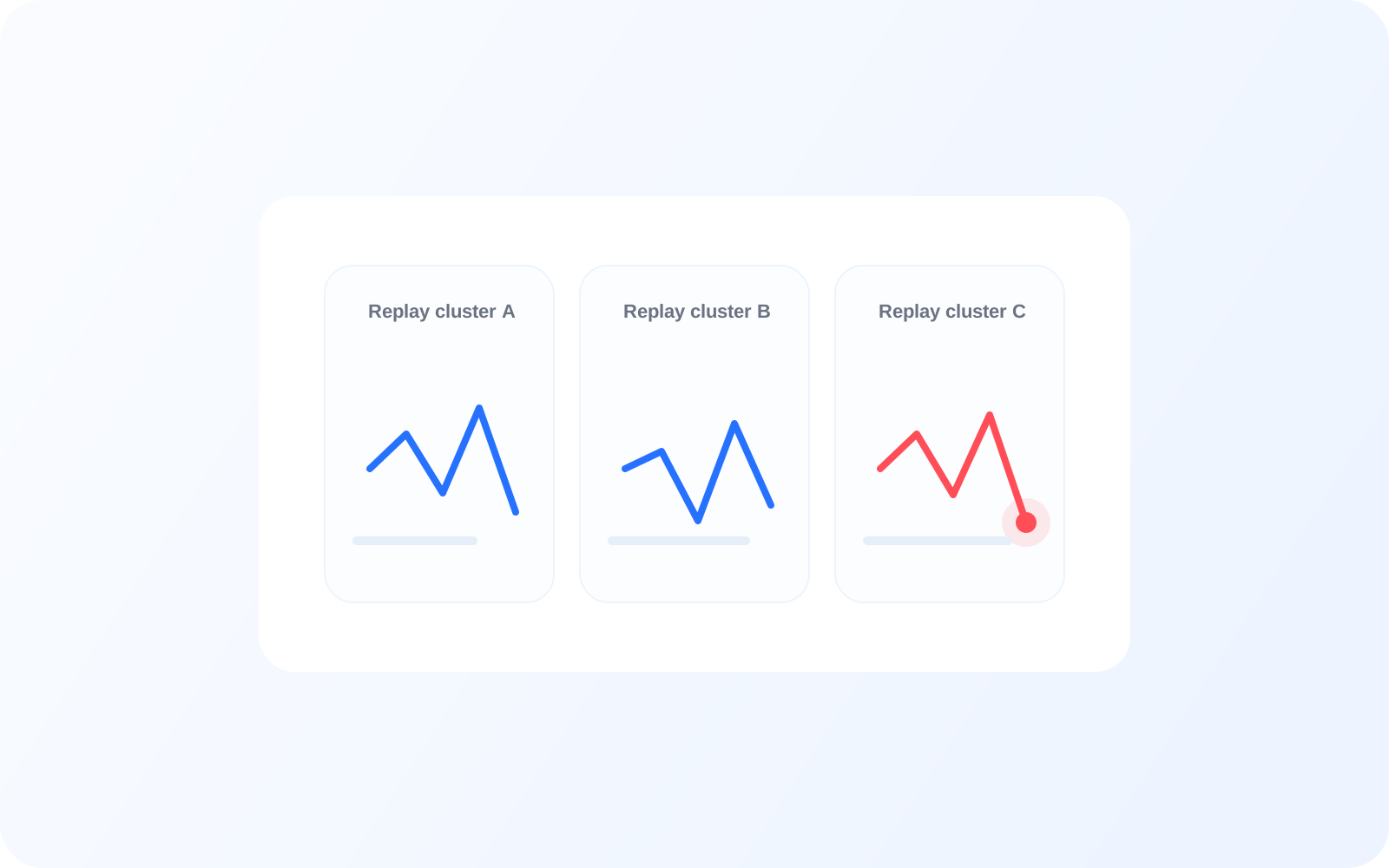
Replay is useful for individual investigation, but it becomes more valuable when the same failure appears across many user journeys. Teams can confirm whether a missed next step, failed checkout step, or confusing conversion screen is becoming a repeated product problem.
“Session replay gave us the missing context. We stopped guessing where users dropped and started seeing the exact moment confidence broke.”
Product Lead, Digital Care Team
More Features
Connected capabilities around replay.
Intent Tracking
Track what a user was expected to do and compare it with what actually happened in the same critical flow. For example, a user may be expected to book next step after viewing details, but exits without action.
Journey Analysis
See how users move across screens and journey steps before they complete, pause, or abandon a journey. This helps teams understand whether drop-off happens at login, during activation, or later in the flow.
Heatmaps
Reveal where users tap, miss, or struggle on critical screens such as account access or checkout. Heatmaps add visual evidence to the replay moments that look unclear or high-friction.
FAQ