

Know what to fix — without searching for it
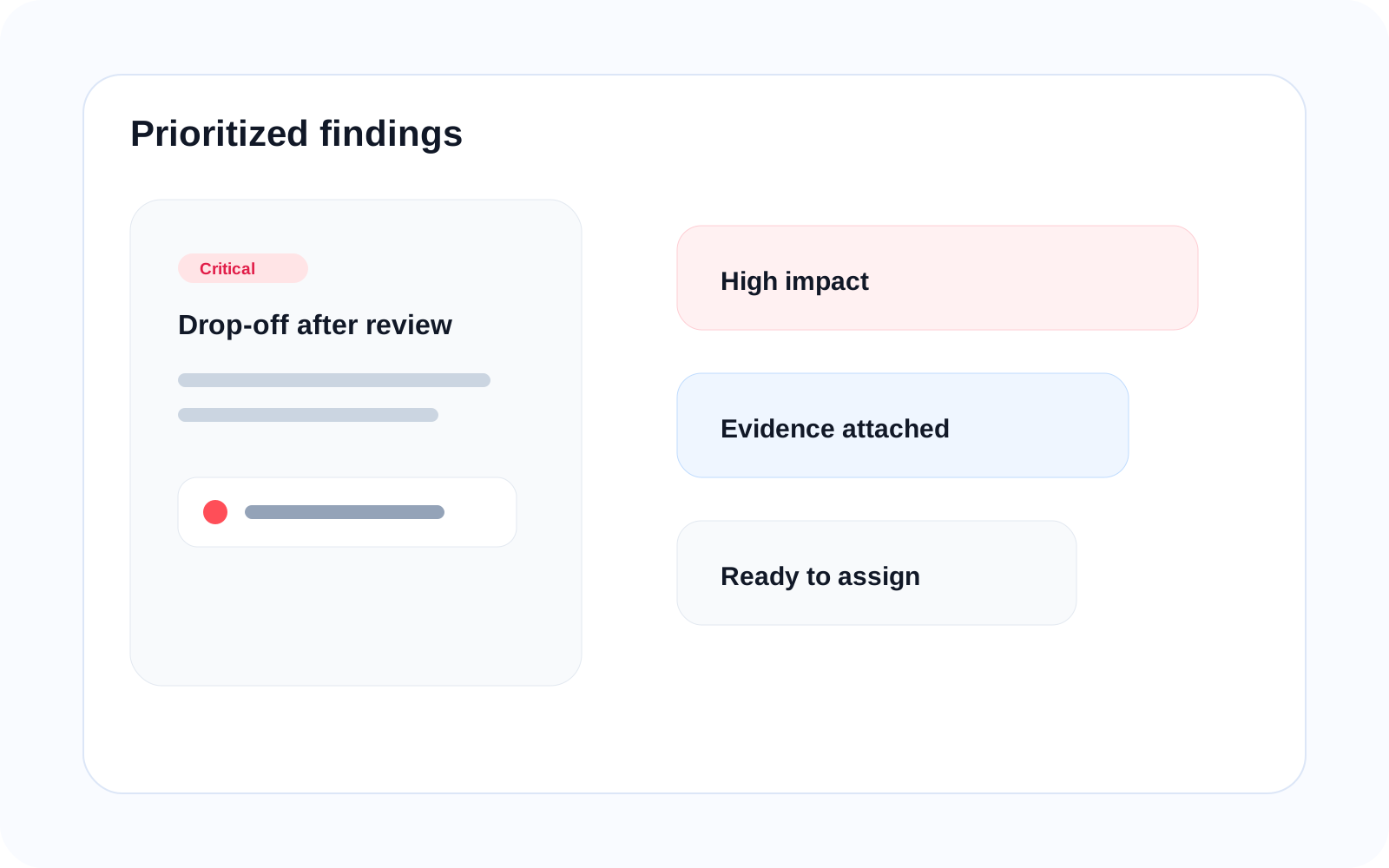
Key Findings automatically surface the most important issues across your product so teams can prioritize what affects user progress the most. They turn scattered evidence into clear decisions about what deserves attention now.
Core idea
From data to clear decisions
Instead of analyzing multiple tools one by one, Key Findings bring together behavior, signals, and outcomes into clear, actionable insights. A booking flow with high drop-off and repeated attempts can be surfaced as a critical issue before teams lose time searching for it manually.
What you get
Clear, prioritized insights
Issue
What is going wrong in the user journey right now.
Impact
How the problem affects task completion, confidence, or continuity.
Evidence
What supports the finding across behavior, signals, and outcomes.
Priority
What should be fixed first based on user impact and urgency.
Automatic detection
Automatically identify critical issues
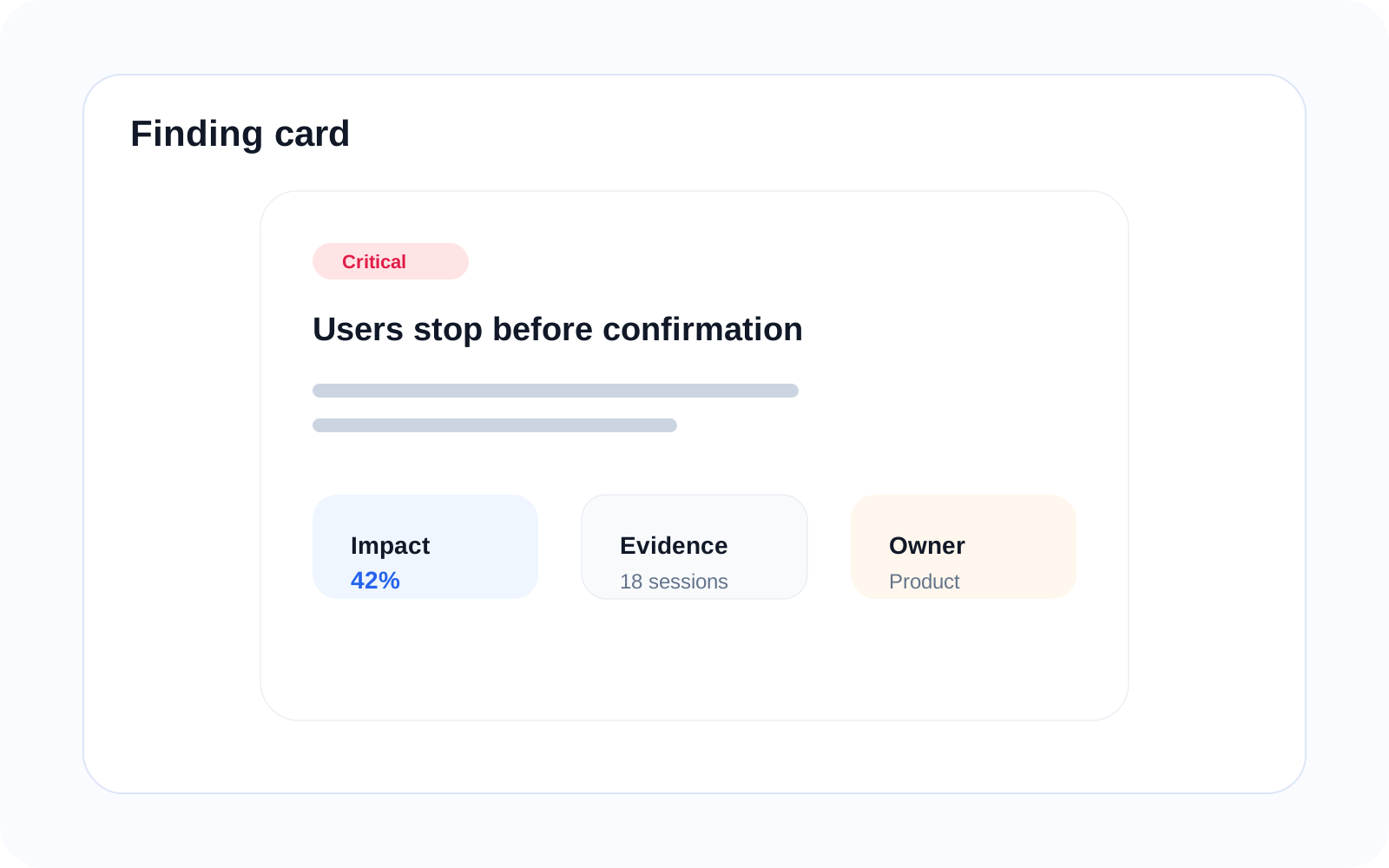
Key Findings are generated by combining signals, intent mismatches, funnel drop-offs, and screen conversion into one summarized issue stream. This helps teams surface what is urgent without manually stitching evidence together.
High drop-off after activation
Repeated failed booking attempts
Slow screens causing abandonment
Prioritization
Focus on what matters most
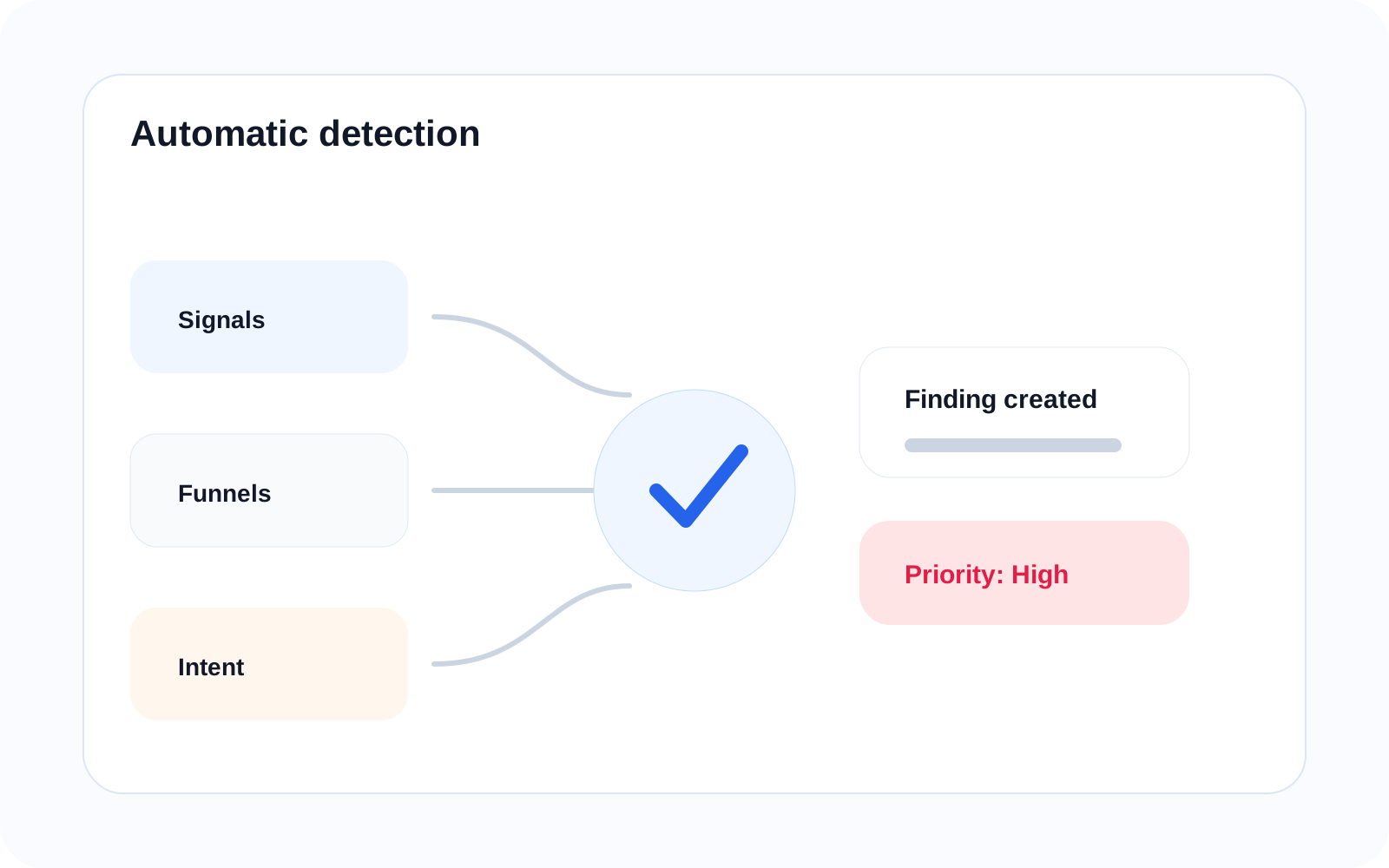
Not all issues are equal. Key Findings rank problems based on impact, frequency, and severity so teams can focus first on the breakdowns most likely to affect user progress and completion.
High-impact + high-frequency → critical
Lower-impact issues → secondary
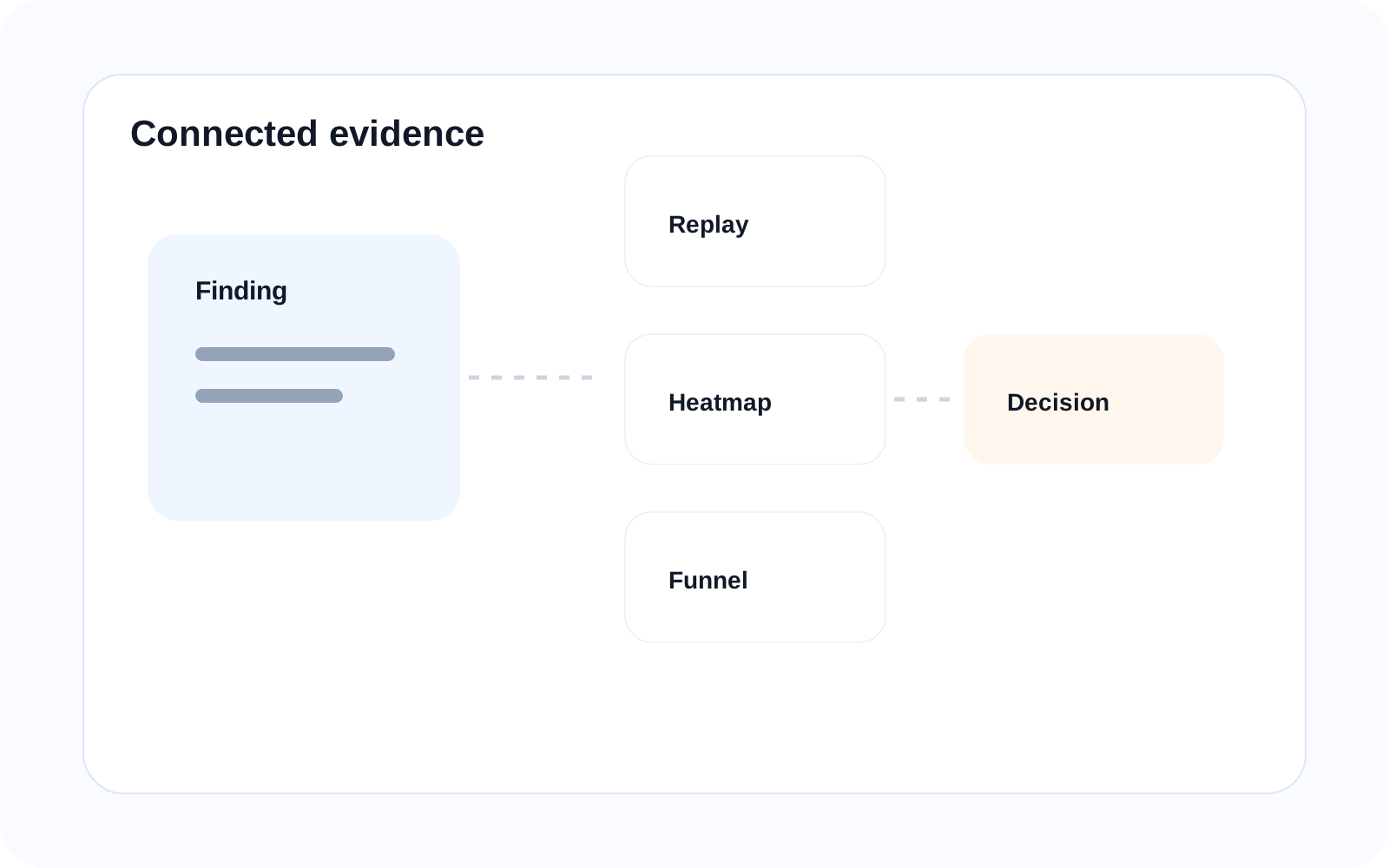
Connected evidence
Every finding is backed by evidence
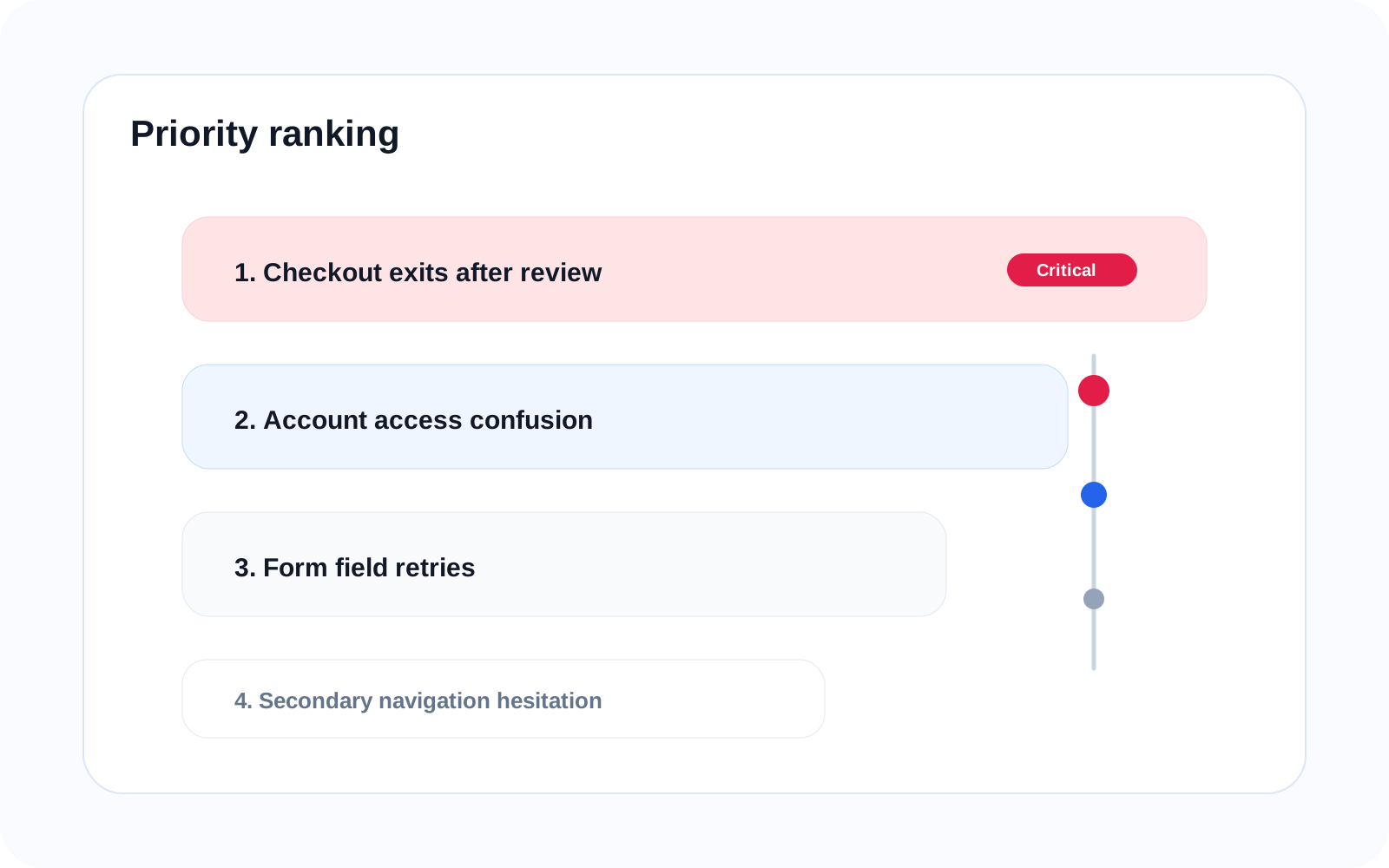
Each insight connects directly to the underlying evidence so teams can validate the issue before acting on it. That keeps findings decision-ready while still grounded in real product behavior and outcomes.
Finding → session replay
Finding → heatmap
Finding → zoning
Finding → funnel
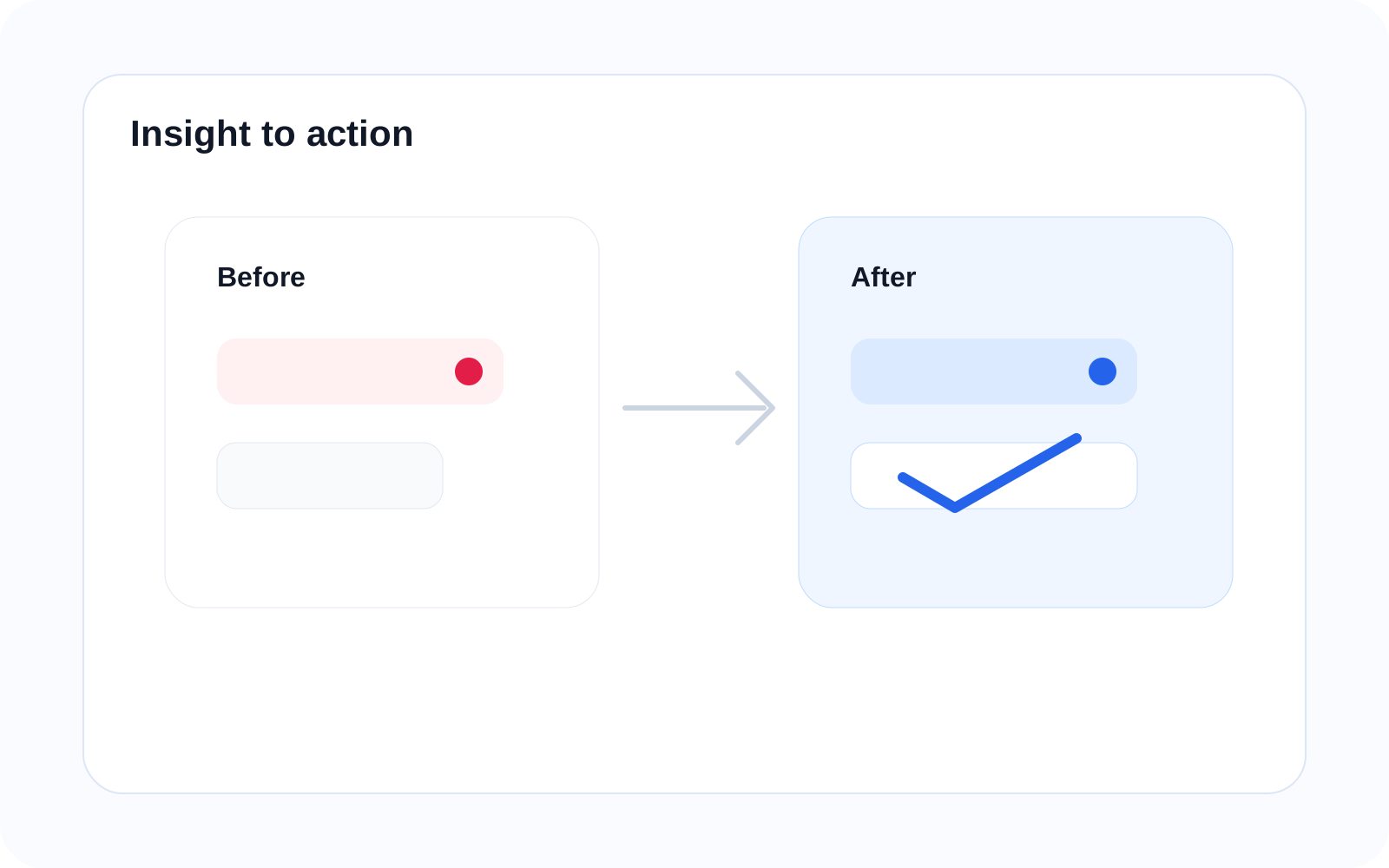
From insight to action
Turn findings into improvements
Use Key Findings to guide product decisions and improve user outcomes quickly instead of debating where to start. The goal is to move from prioritized issues to practical fixes with less delay.
Fix high-friction steps
Improve clarity in flows
Reduce drop-offs
Related features
Connected capabilities
UX Signals
Detect issues automatically across user journeys so important problems surface without manual searching. This helps turn raw signals into clearer findings that teams can prioritize.
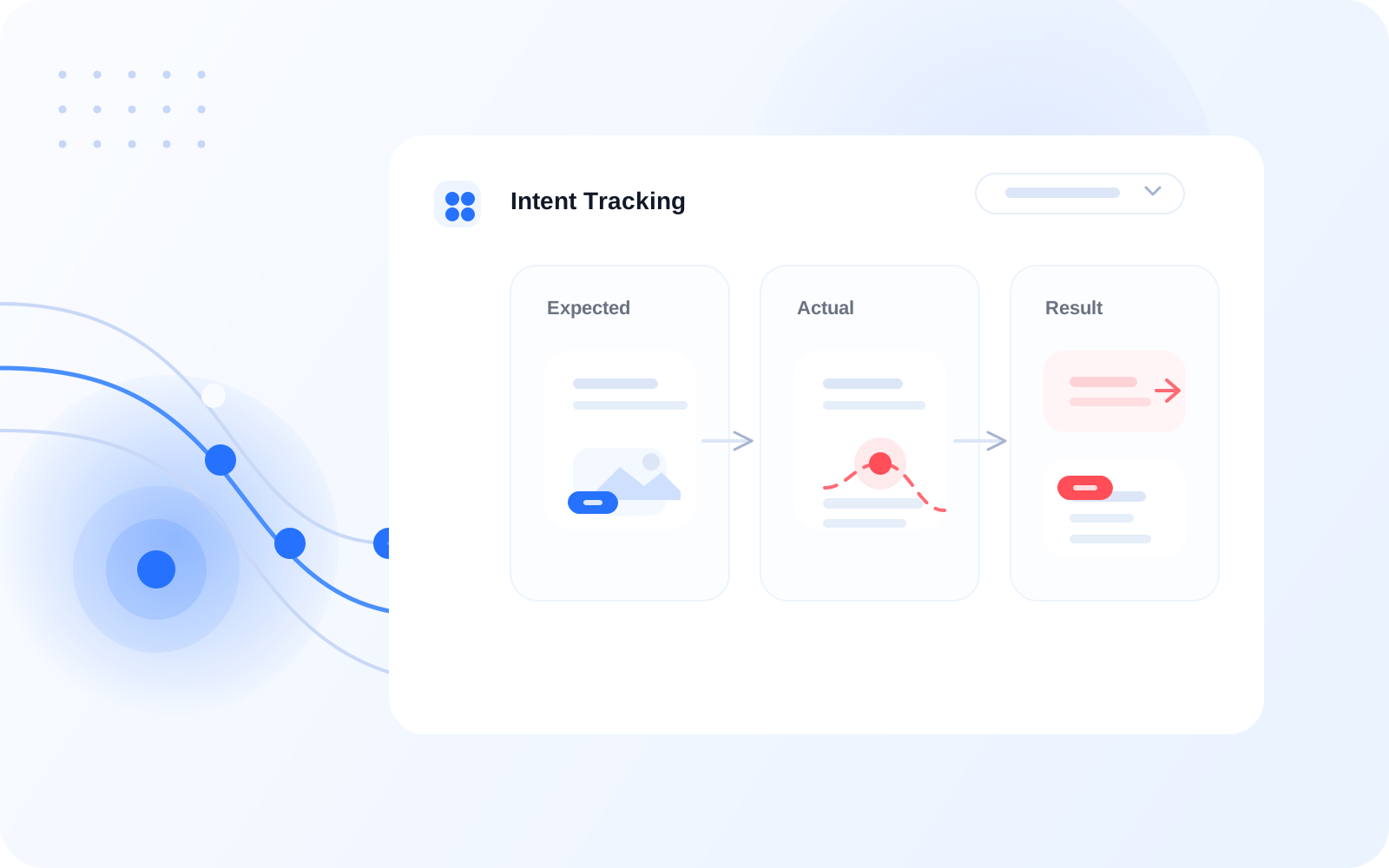
Intent Tracking
Explain why issues happen by showing what the user expected to do and where that path broke. This gives findings a stronger explanation, not just an alert.
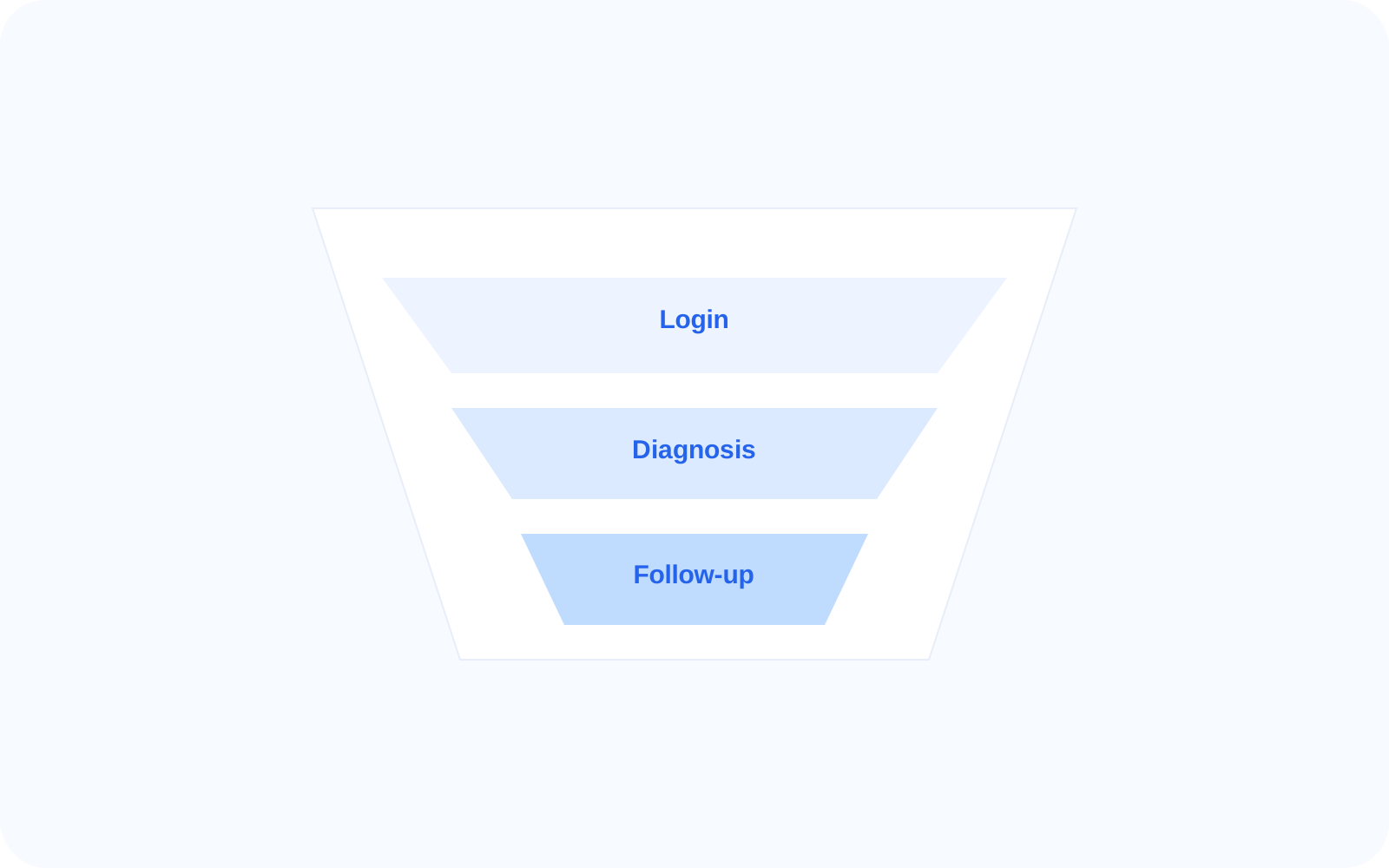
Funnels
Measure how much each issue affects task completion so teams can understand which breakdowns have the greatest operational cost. This helps rank what deserves attention first.
Screen Diagnosis
Understand where a finding occurs and what screen conditions are contributing to it. This helps teams move from a prioritized issue to the exact screen that needs improvement.
FAQ