

Use Case
Detect hidden UX failures before they impact outcomes
Not all failures are visible. EaseUse reveals silent breakdowns in user experience, where users interact but fail to progress.
The Problem
Everything works — but users still fail
Users tap, scroll, and navigate as expected, but key actions never happen. These failures go unnoticed because nothing appears broken.
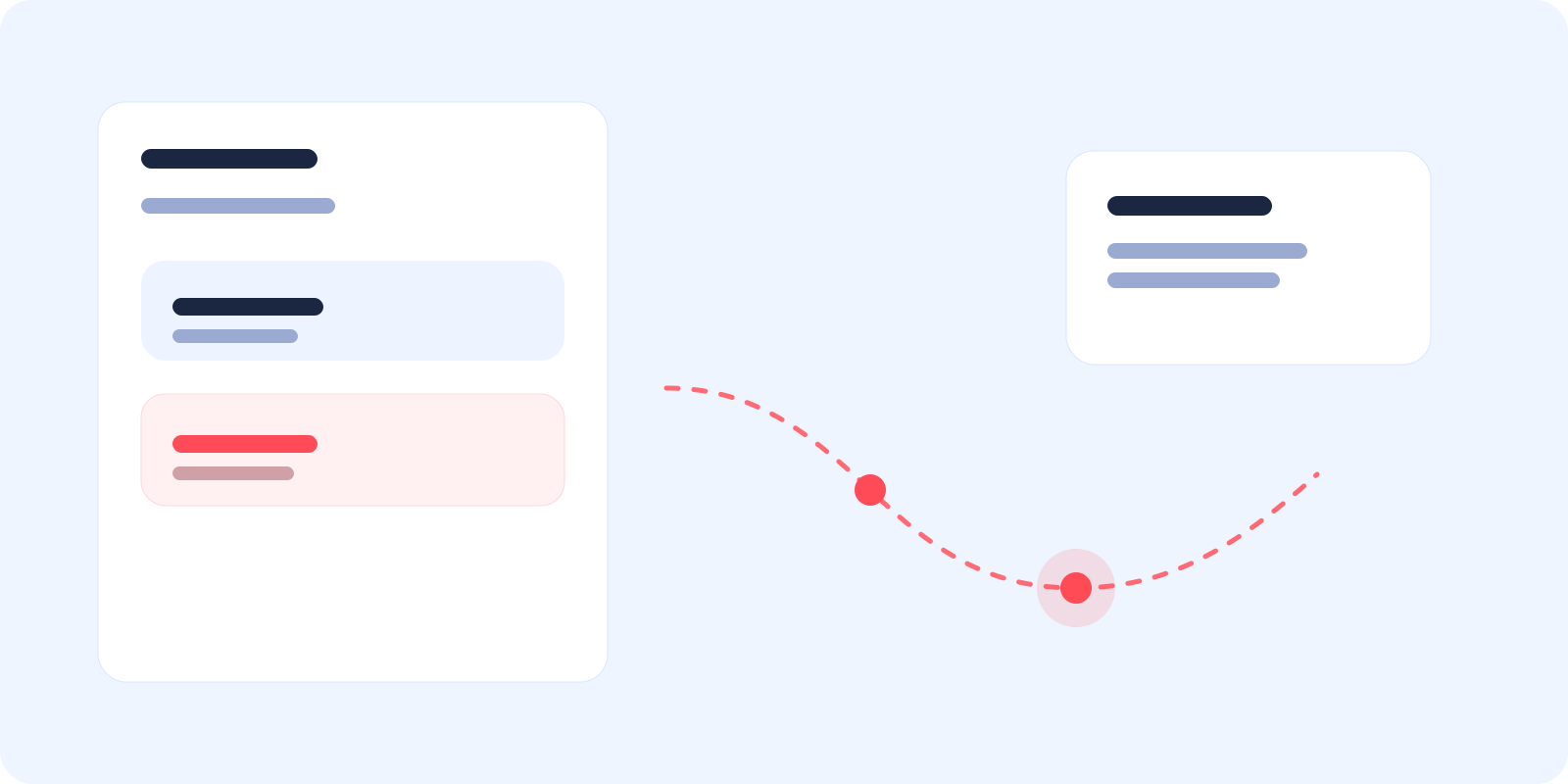
A user explores a screen, taps multiple elements, scrolls through content, but never completes the intended action.
Hidden failure
Interaction without outcome
Users engage with the interface, but their actions do not lead to meaningful progress.
Healthy experience
Clear path to completion
Each interaction moves the user closer to completing their goal.
Failure isn’t always visible — it’s often silent.
Journey
See hidden failure build across the journey
What the user experiences
Open screen
The user arrives on the screen without friction, and nothing appears obviously wrong in the first few seconds of interaction.
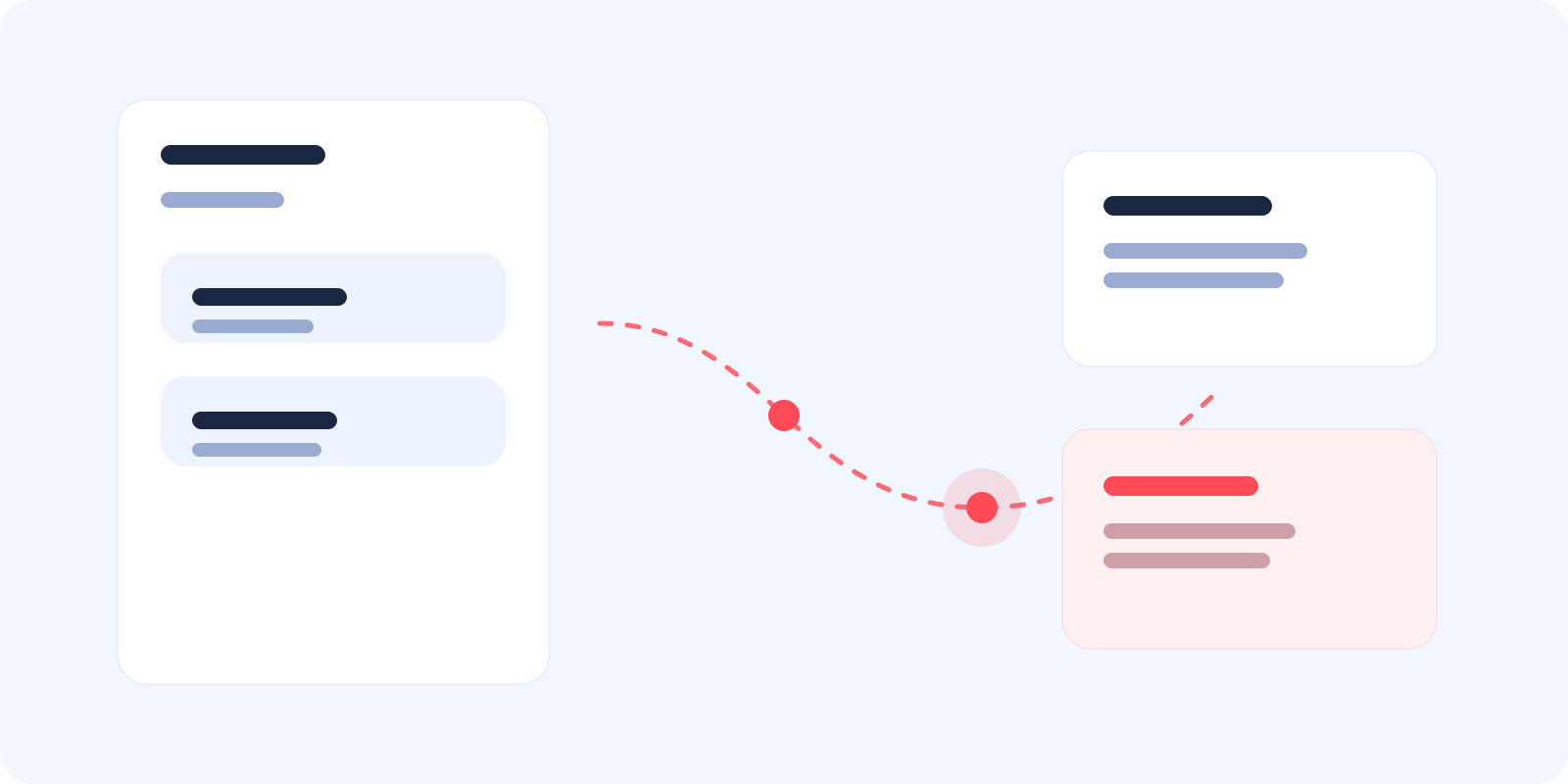
Users interact actively, but fail to reach meaningful outcomes.
Where It Breaks
Where hidden failures occur
No progression
Actions do not lead to meaningful next steps.
Unclear interaction
Users are unsure which action to take.
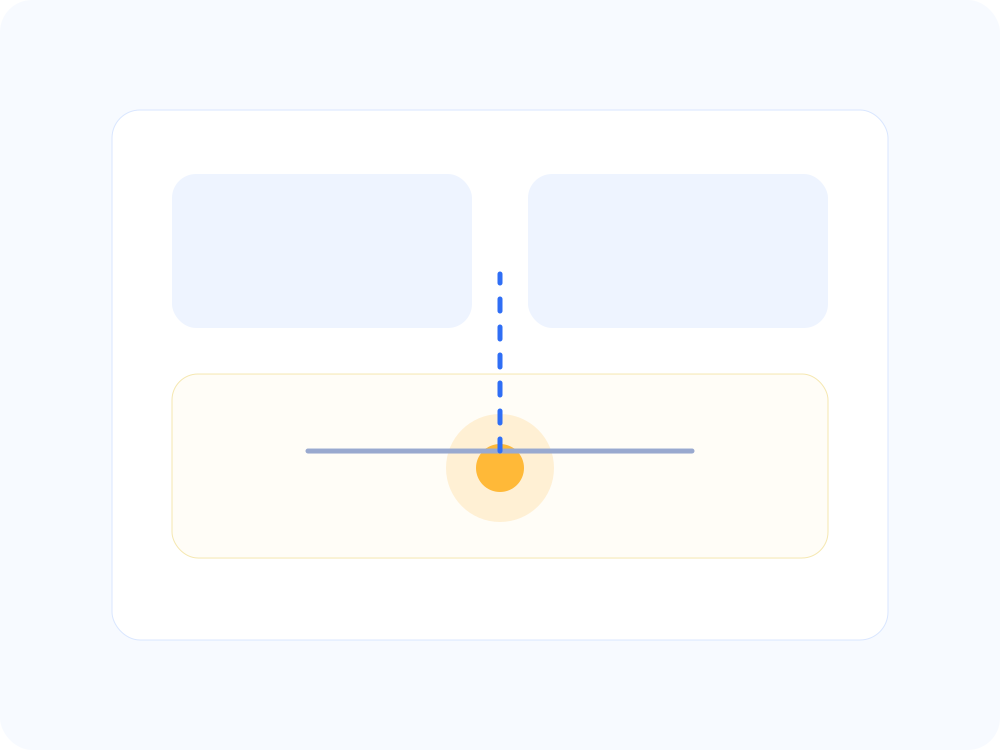
Repeated behavior
Users repeat actions without success.
Detection
How EaseUse detects it
EaseUse identifies hidden failures by combining interaction patterns, repetition signals, and lack of outcome progression.
Replay
Watch how interaction remains active even while the intended outcome never happens.
Signals
Detect repetition, hesitation, and stalled progression without needing a visible failure event.
Intent
Compare what the user was expected to complete with what the session actually achieved.
Findings
Surface the quiet breakdowns most likely to weaken task progression.
From Issue To Fix
From silent breakdown to visible progress
Before
Active interaction
No meaningful progress
Unnoticed failure
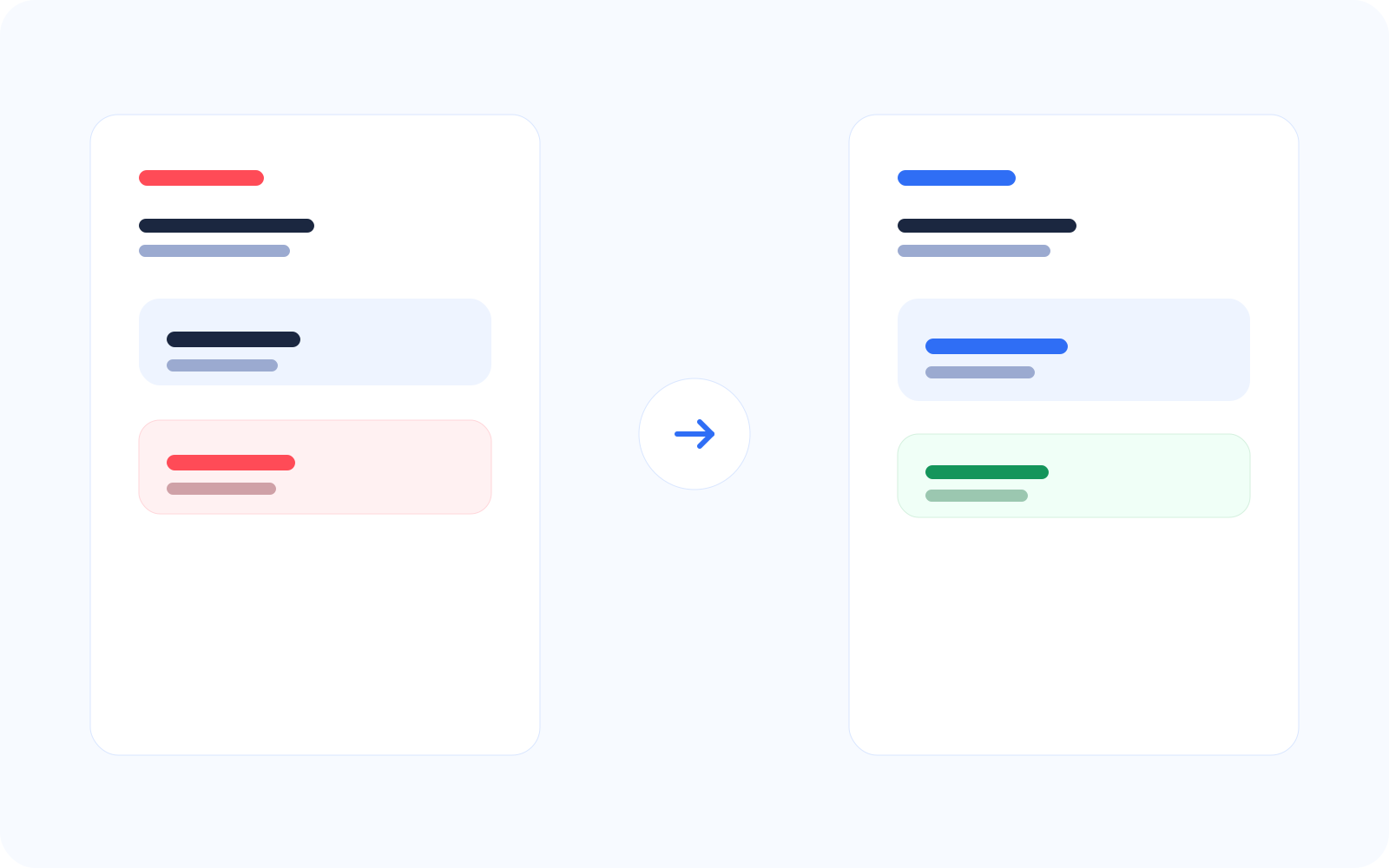
After
Clear interaction paths
Measurable outcomes
Visible success
Making failures visible enables action.
Impact
What this improves across subtle experience breakdowns
Improved task completion
Reduced silent drop-offs
Better user experience clarity
Related Features