

Measure experience quality in one clear score
UX Score combines user behavior signals into a single metric so teams can quickly understand where experiences succeed or break. It helps leaders spot whether checkout completion, conversion-to-action, or next step flows are improving or becoming harder for users to complete.
Overview
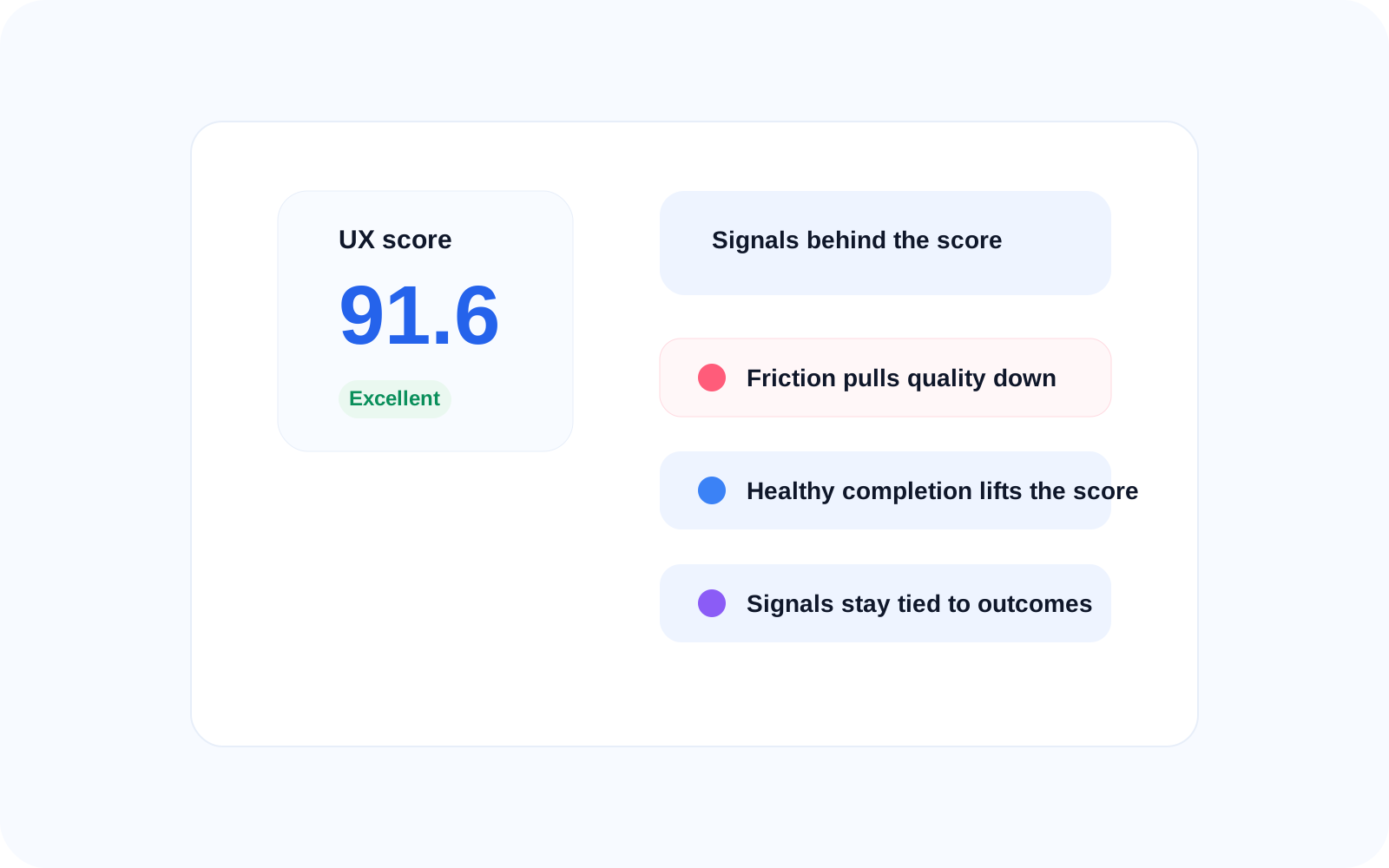
A single view of experience quality
UX Score summarizes user experience across sessions so teams can quickly see whether the journey feels smooth or difficult to complete. It brings scattered signals into one decision-ready view that can be tracked over time. A low score may point to drop-offs after activation or friction during checkout.
How it's built
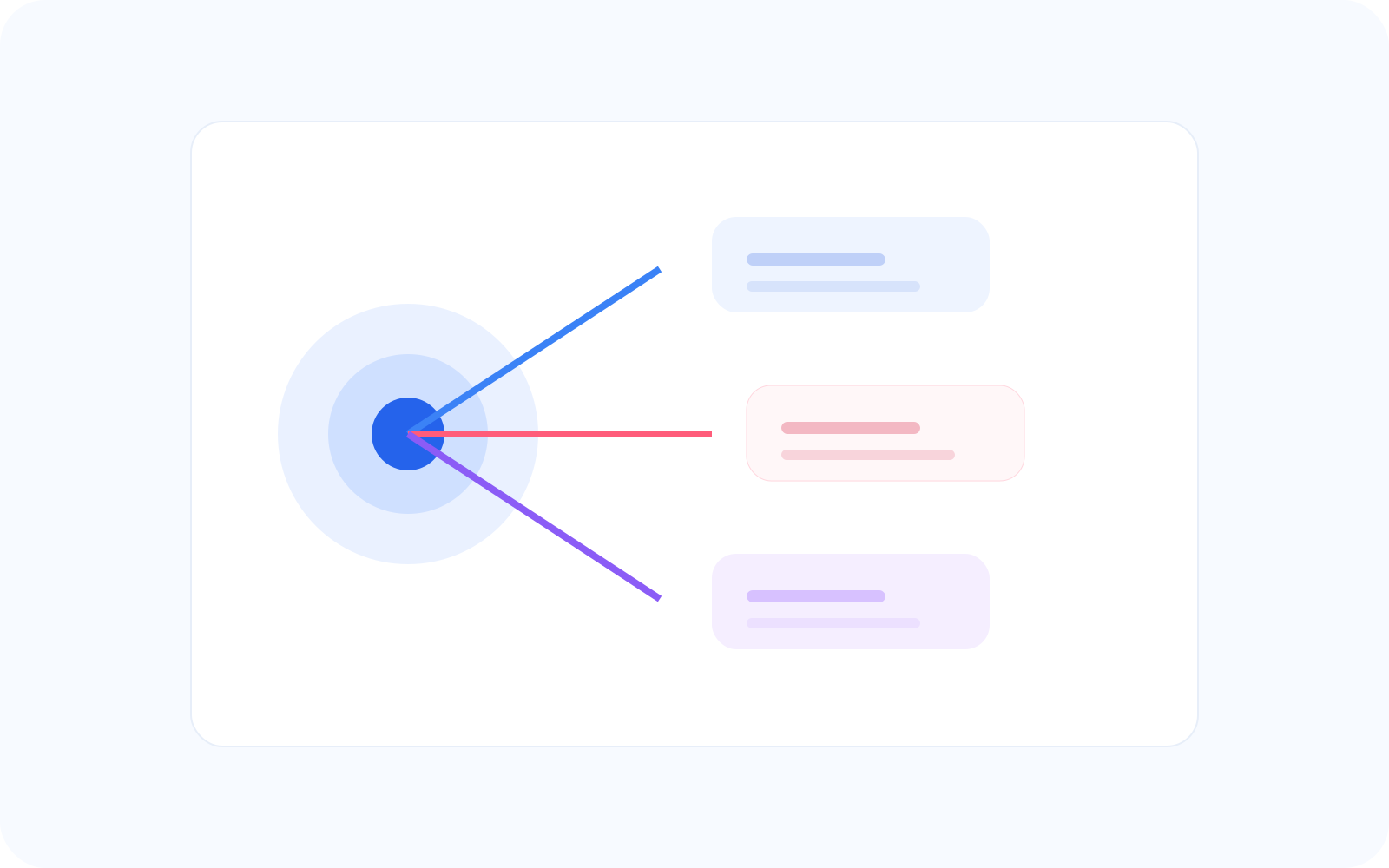
Built from real user behavior
UX Score is built from the signals that matter most to journey continuity, including frustration, failed actions, and completion patterns. It gives executives a high-level measure without forcing them into the technical details behind every session.
What it tells you
Know where experience needs attention
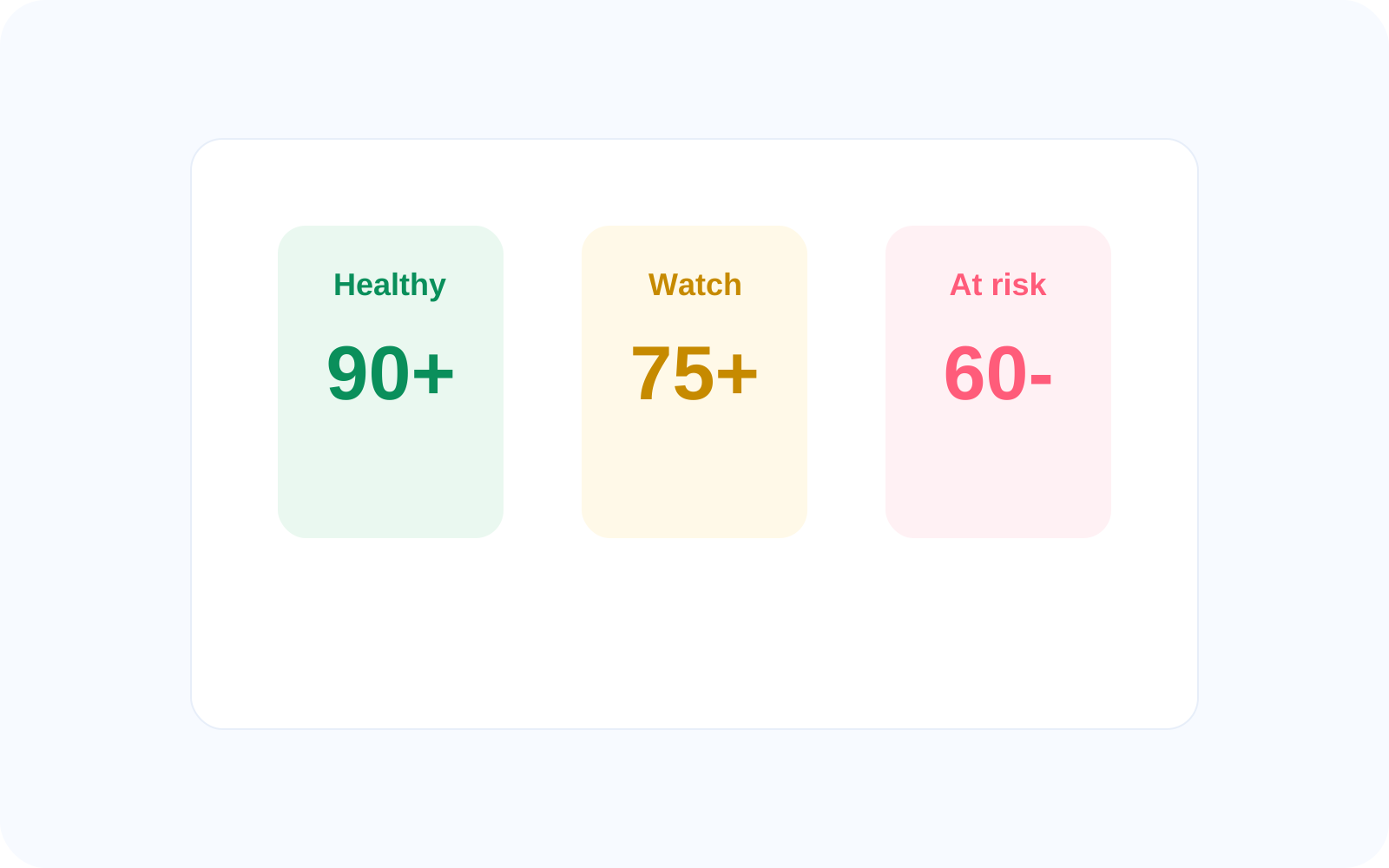
UX Score helps teams understand whether user journeys are working or failing without reviewing every flow one by one. It gives a fast read on experience quality and points leaders toward the areas that need closer investigation.
High score → smooth experience
Medium score → minor friction
Low score → critical journey breakdown
Decision making
Make faster, better decisions
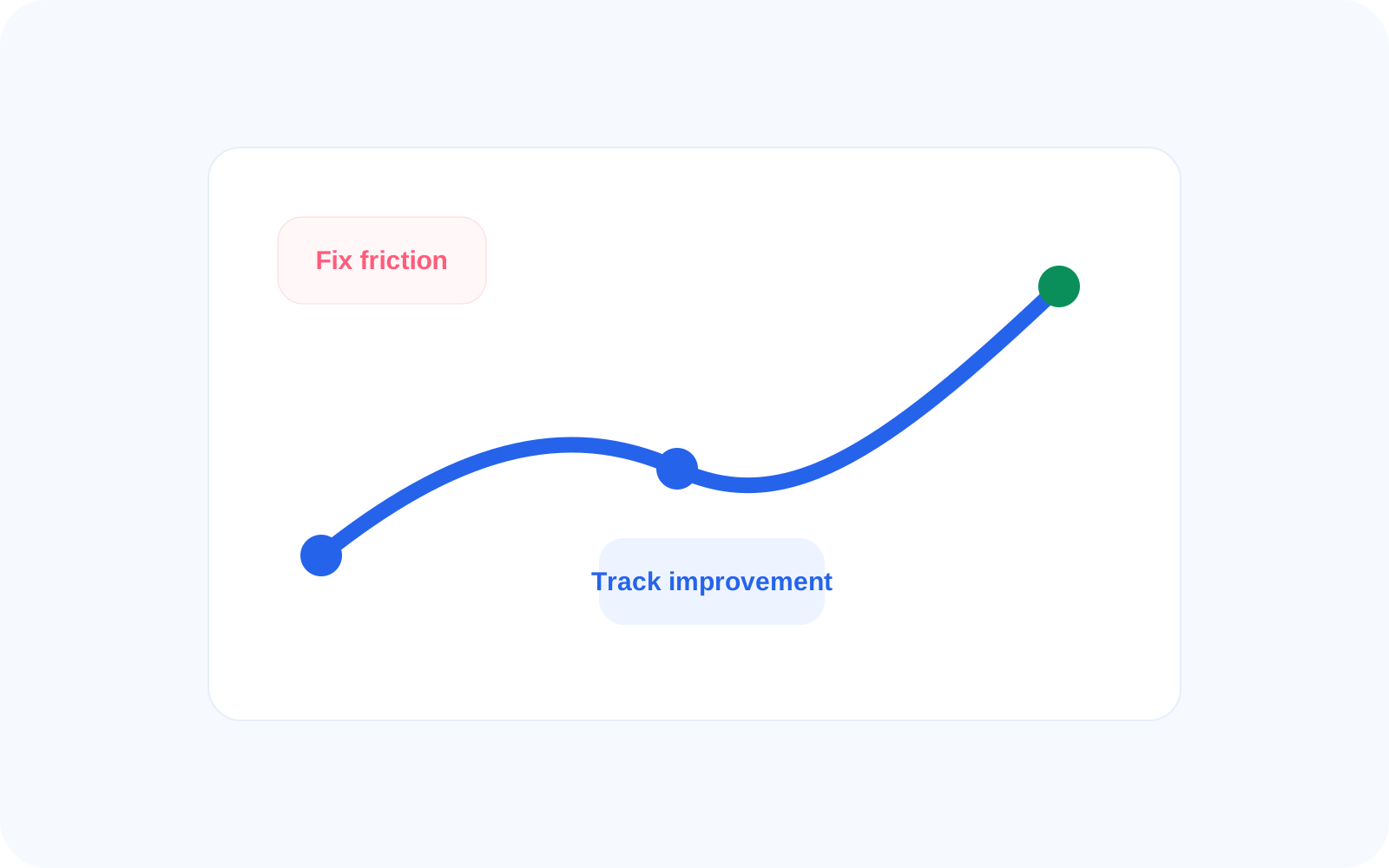
Use UX Score to prioritize which key flows need attention first and to measure whether changes actually improve user experience. This helps teams compare journey quality across screens, identify high-risk flows, and track progress after fixes.
Identify high-risk journeys
Compare experience across screens
Track improvements after fixes
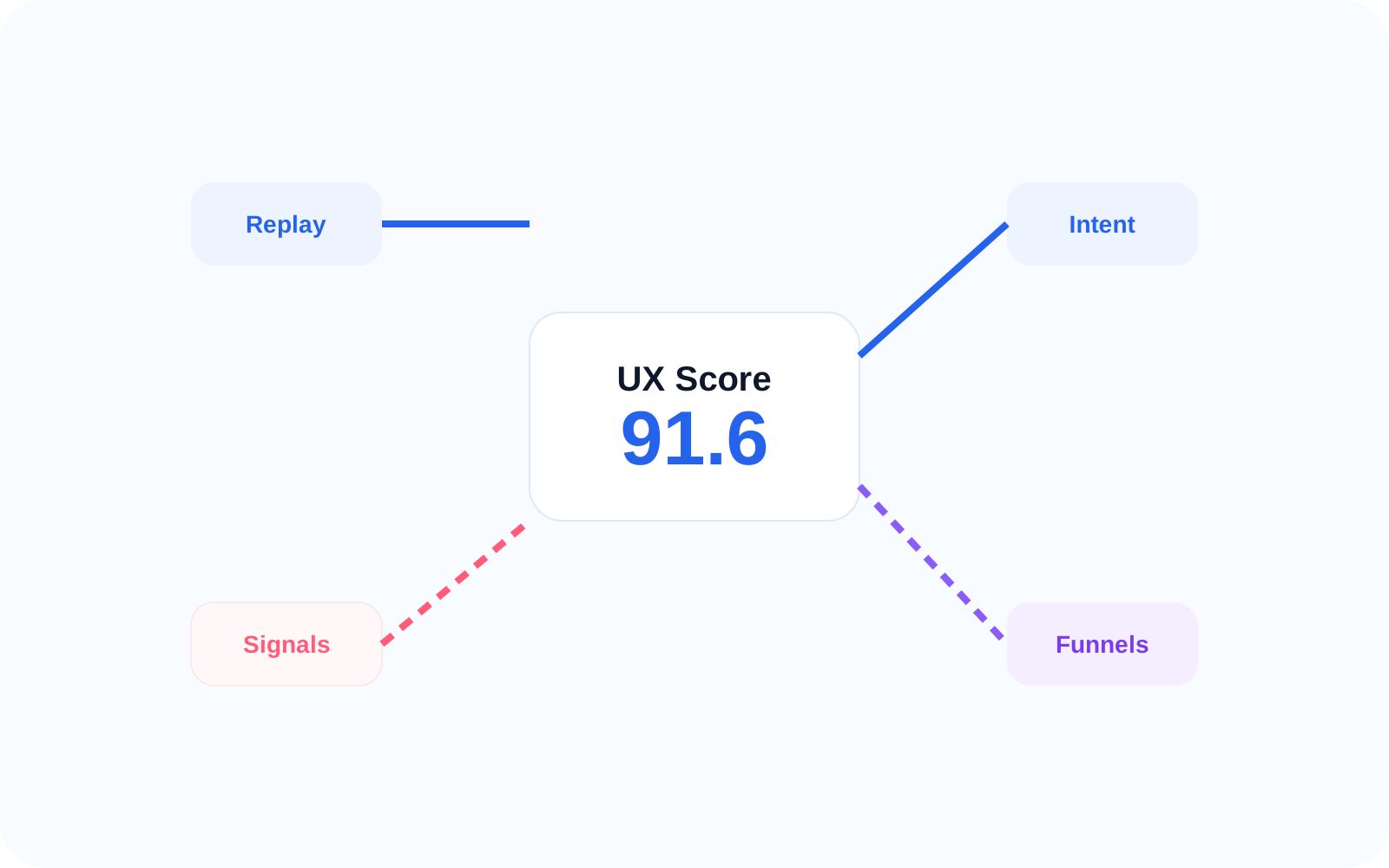
Connected insights
Connected to every insight
UX Score summarizes what other EaseUse capabilities detect and explain, making it easier to move from measurement to action. Leaders can use the score as a summary layer, then open the supporting view that explains what changed.
Session Replay → shows behavior
UX Signals → detects issues
Intent Tracking → explains failures
Funnels → measures drop-offs
Related features
Connected capabilities
Session Replay
Replay the user journey behind a score change so teams can see where hesitation, retries, or exits lowered experience quality. This gives leaders the context behind the metric before deciding what to improve.
UX Signals
See which friction signals are pulling the score down, from repeated failed actions to visible hesitation before a missed next step. This helps teams connect the score to specific user experience problems.
Intent Tracking
Understand why the score drops by comparing what should have happened with what happened instead. For example, a user may be expected to book next step after activation but leaves without taking the next action.
FAQ