

Understand why a screen fails — not just how it performs
Screen Diagnosis combines interaction, performance, and outcomes to reveal why users struggle, drop, or fail to complete the journey on a screen. It helps teams move from scattered signals to a clearer understanding of screen health.
Core idea
A complete view of screen health
Each screen is evaluated across behavior, performance, and outcomes so teams can understand what works and what doesn’t. A screen may attract heavy traffic but still fail users because it is unclear, slow, or weak at guiding the next action.
What you analyze
Every dimension of a screen
Engagement
How users interact with the screen and whether it earns meaningful attention.
Friction
Where users struggle, hesitate, or fail to move to the next step.
Performance
How fast and responsive the screen feels during critical user actions.
Completion
Whether users successfully finish the screen’s intended next action.
Exits
Where users leave the journey before continuing.
Identify problems
Pinpoint what’s going wrong
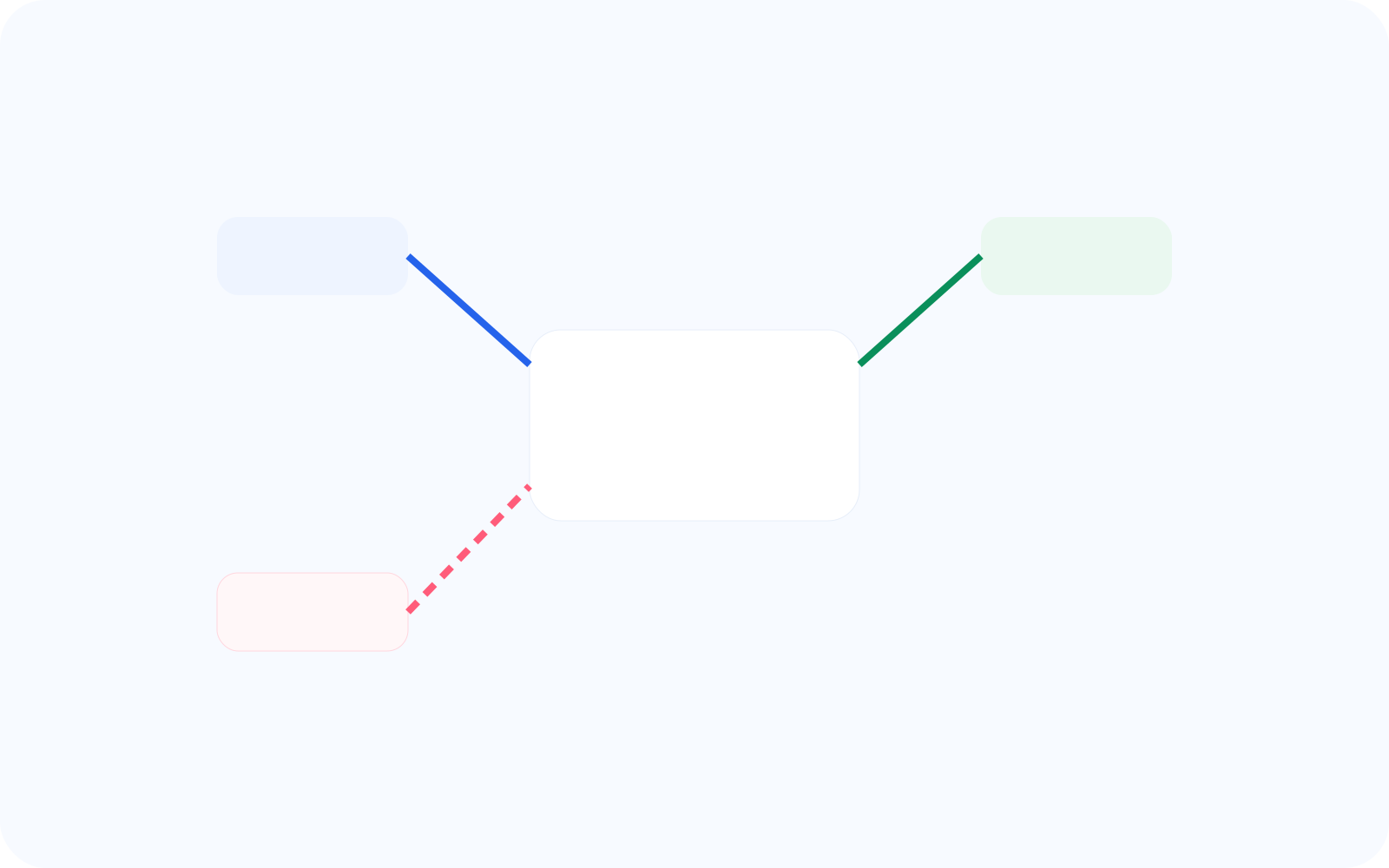
Detect screens with weak completion, visible friction, or poor responsiveness before those issues spread across the journey. This helps teams understand whether a screen is failing because of clarity, speed, or a weak action path.
High interaction, low completion
High exits after engagement
Slow load causing drop-off
Connect to evidence
Go beyond metrics
Every conversion connects directly to sessions, zones, and interaction evidence so teams can validate what the screen is doing to users. That makes screen health easier to trust and easier to act on.
Screen → replay
Screen → heatmap
Screen → zoning
Context aware
Analyze screens across states and versions
Compare how the same screen performs under different conditions so teams can isolate where health changes. This helps separate a persistent design issue from one that only appears in a specific state, release, or user context.
Error vs success state
Version A vs version B
Different user segments

From conversion to action
Turn insight into improvement
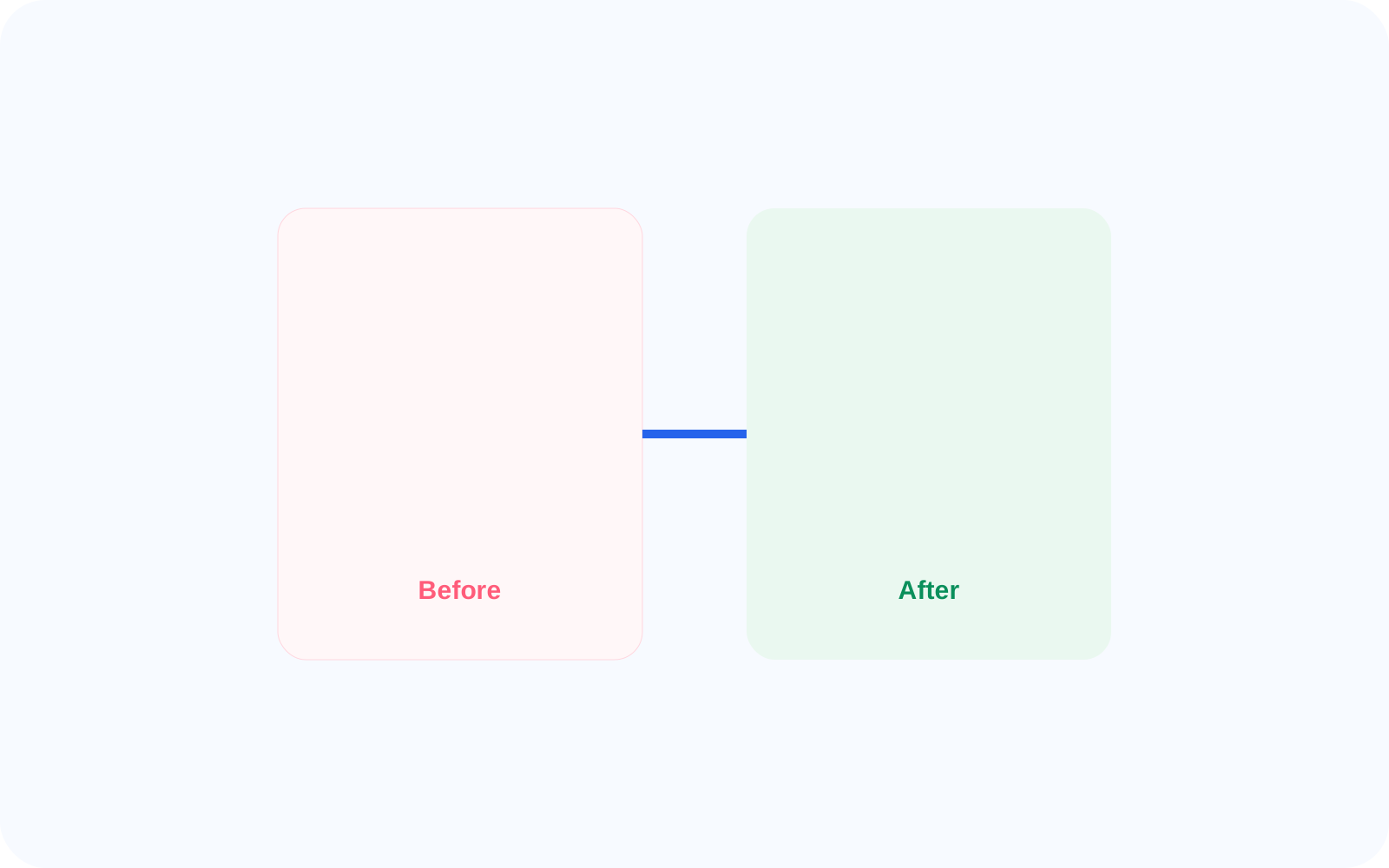
Use conversion to prioritize fixes that improve user outcomes instead of guessing where to start. It helps teams focus on the screens where better clarity, stronger performance, or less friction will matter most.
Fix slow screens
Improve clarity
Reduce friction
Related features
Connected capabilities
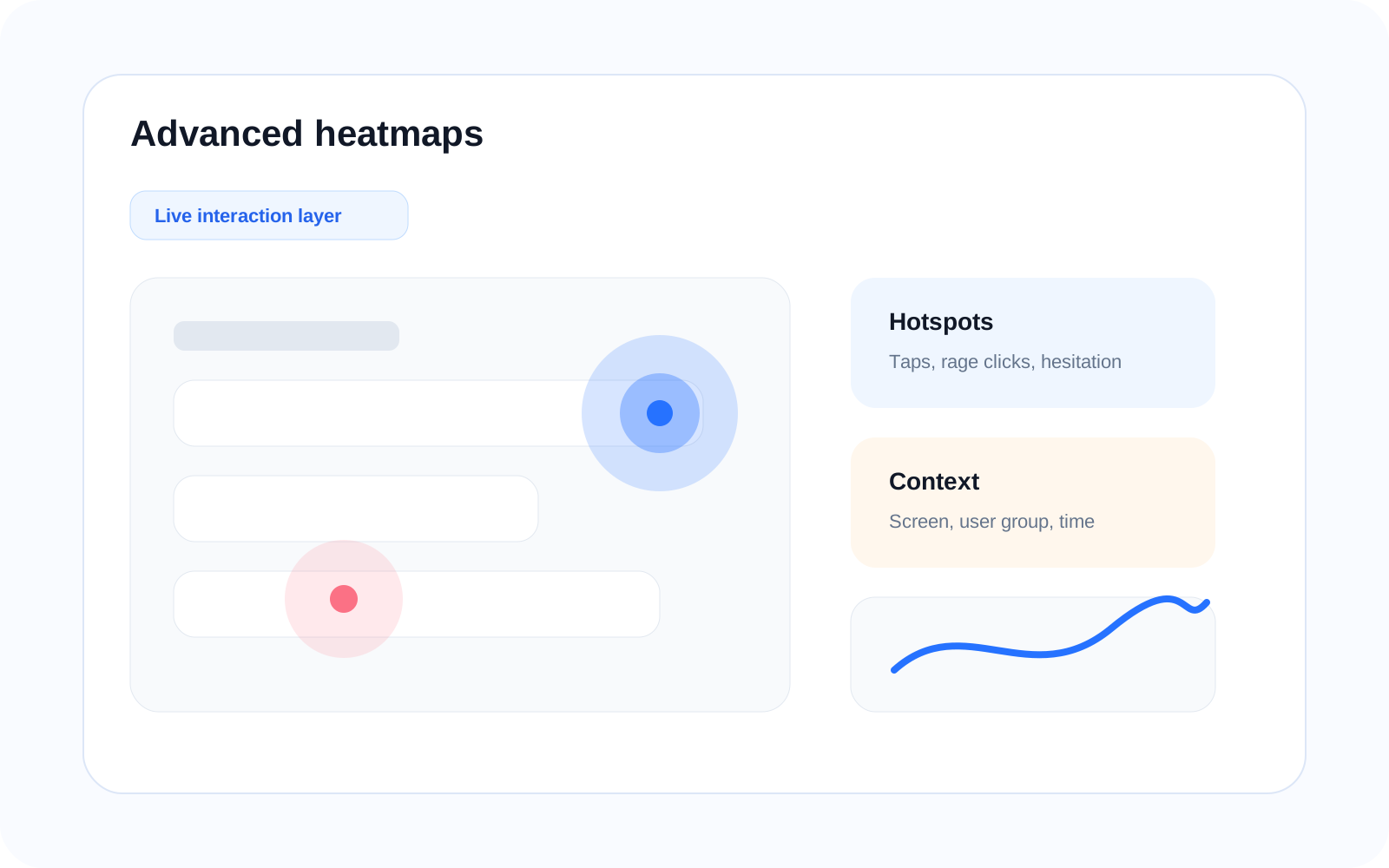
Heatmaps
See where users engage, miss, or hesitate on the screen before digging into the underlying cause. This gives teams visual evidence for where attention and friction are concentrated.
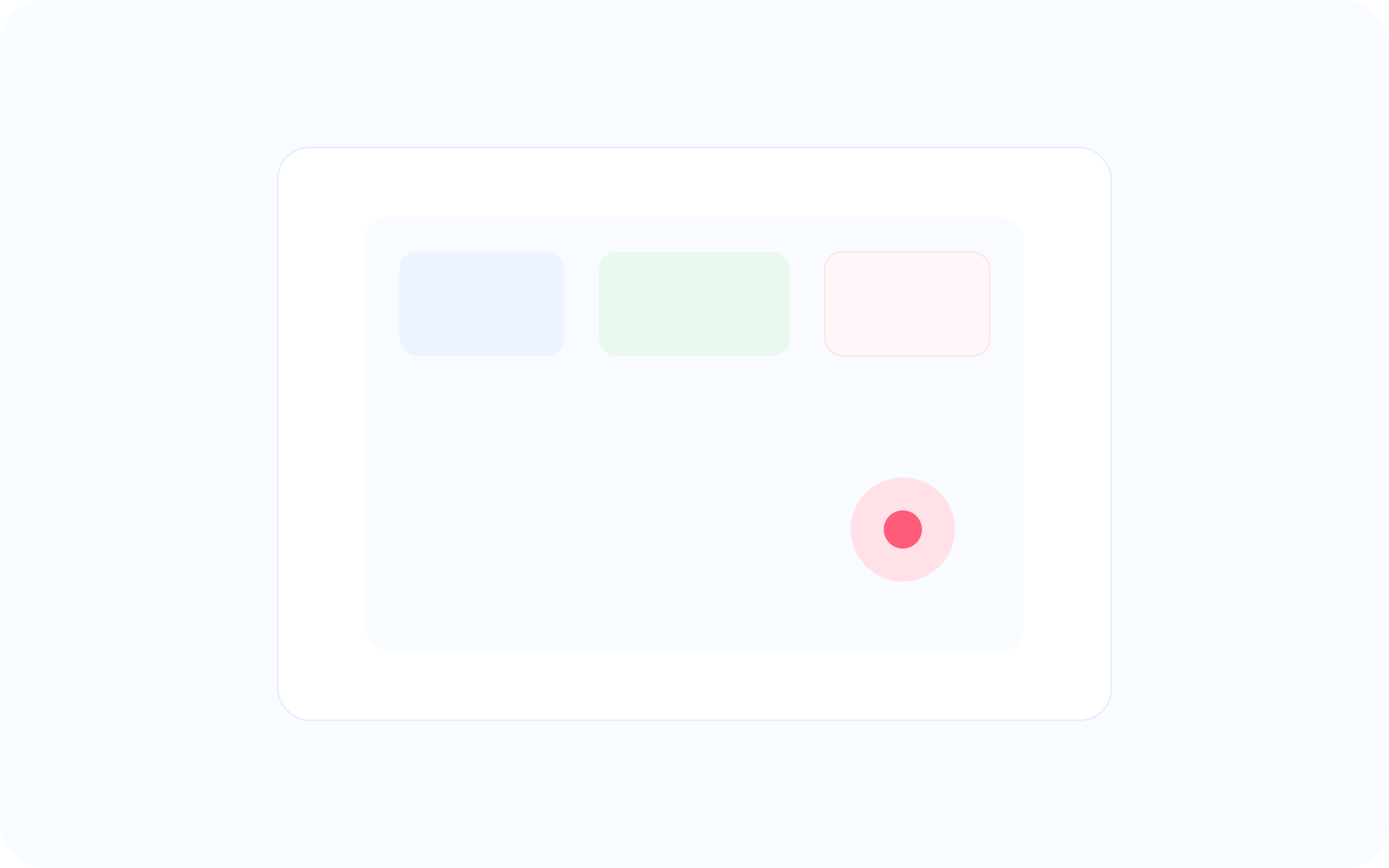
Zoning
Analyze specific areas of a screen to understand which regions are helping users move forward and which are holding them back. This turns a broad screen conversion into precise UI decisions.
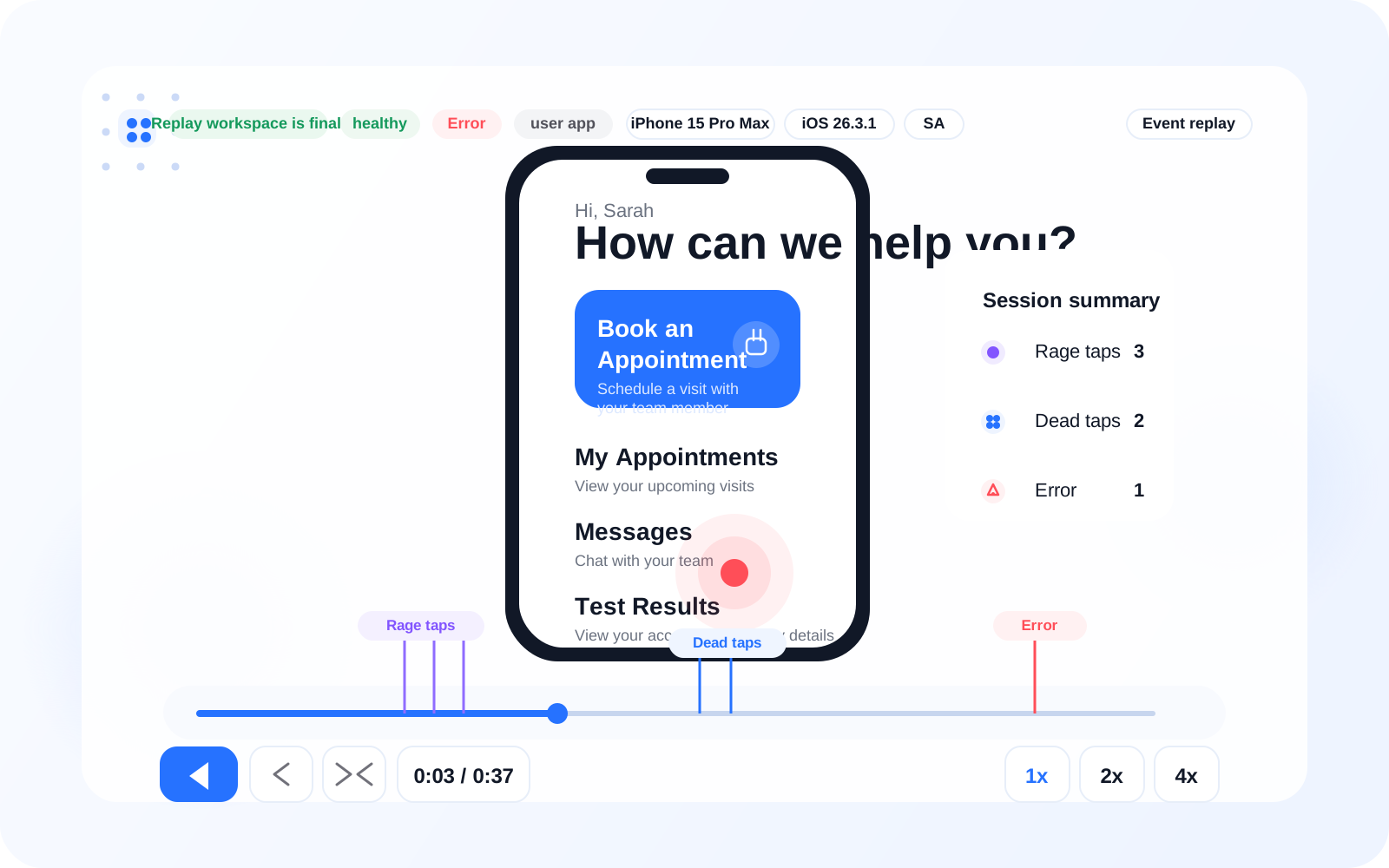
Session Replay
Watch the exact behavior behind a problematic screen so teams can see where users pause, retry, or leave. This provides the session-level evidence behind each conversion.
FAQ